Table of Contents
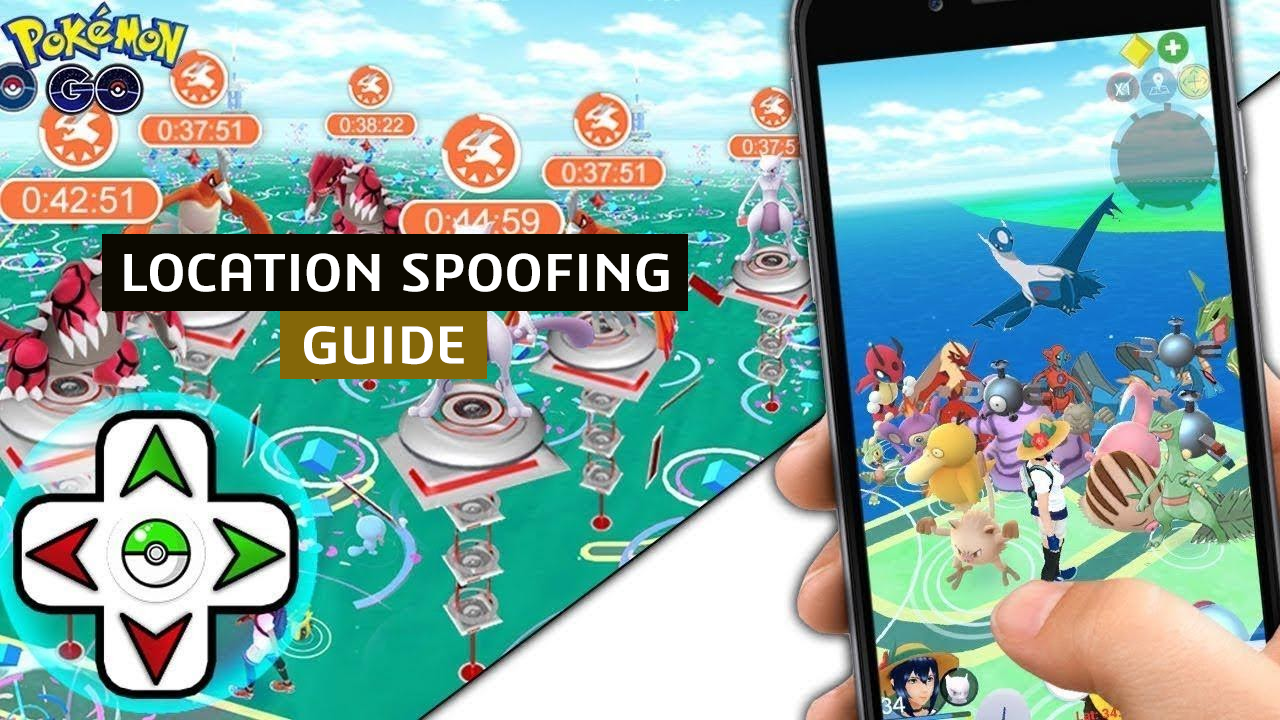
“#Pokemon Go: How To Spoof Location”

Ever since it was launched in 2016, Pokémon Go’s popularity has only increased, mostly owing to good reasons but sometimes owing to infamous incidents as well. The fact remains, it is one of the most trending games all over the world and thus everyone wants to play it.
That comes with its own set of problems as people from certain backward areas, aren’t able to locate Pokéstops. Hence, it becomes impossible for them to catch certain rare Pokémon and as a result, they lag behind in the game. Now, a simple fix for this is location spoofing and we are going to show you, just how to do it.
To avoid getting detected by the Niantic monitoring team, you’ll need a VPN server as well as GPS spoofing apps. So, without further ado, let’s begin!

Downloading a VPN
A VPN helps you to avoid being identified by the servers and changes your IP Address. It helps and rotating and masking your server data and therefore, Pokémon Go won’t be able to identify your address. It uses powerful encryption and keeps you safe from hackers and other third parties as well.
So, you will need to choose and download a VPN from sites like Nord VPN and then you can change your region or location to a desired one on your device but there is a catch. While, mostly changing VPN is enough, but Pokémon Go uses your GPS and coordinates continuously to work. So, GPS spoofing is also required if you want to fool Niantic because remember, if not done right, you can be banned by the company.
GPS Spoofing
Now you’ll need a mock location module and a GPS Spoofing application. After that Pokémon GO won’t be able to detect if you have changed your location or not. Apps such as Fake GPS Location or Fake GPS for Android and iOS Roaming Guide for iOS can be used for this purpose.
Now when you have all these pieces in place follow the given steps:
For Android:
- Click on Device Settings > About Phone > Tap on Build number 7 times > Developer Options > Allow Mock locations > Root your Android device > Install module called Mock Mock Locations
- Turn on the VPN you installed on your device
- Choose a server location near your desired region
- Turn on the GPS Spoofing app
- Choose that location there as well and match
For iOS:
- Jailbreak your device
- Visit Cydia (app store for jailbroken devices) and install protector and run it
- Turn on the location spoofing application you downloaded
- Choose a location near your desired region
- Turn on the VPN and match the location with a GPS spoofing app
That’s it you are all done and set to catch your favorite Pokémon from any corner of the world and at the same time, going undetected by Niantic. Just to clarify again, this will require rooting / jailbreaking your device, so do it at your own risk. Rest assured, if you follow the steps correctly, you won’t face any kind of problems.

If you have any questions regarding Pokémon GO, feel free to ask in the comments below. For more content related to Pokémon GO, stay with us, here at Spiel Times.
Make sure you subscribe to our push-notifications and never miss an update from the world of video games. Until next time, Stay Safe, Wear A Mask, and Happy Gaming!
If you liked the article, do not forget to share it with your friends. Follow us on Google News too, click on the star and choose us from your favorites.
For forums sites go to Forum.BuradaBiliyorum.Com
If you want to read more News articles, you can visit our Game category.