Table of Contents
Pulling out a phone to capture an important thought can be the quickest way to lose it. A notification appears, another app demands attention, and the conversation happening in front of you suddenly has competition. That familiar tension runs through this episode of Design Mindset, Yanko Design’s podcast. The conversation explores what happens when designers stop treating the screen as the inevitable center of an experience. As AI becomes capable of handling more of the work behind an interface, the question becomes less about how many features a device can offer and more about how thoughtfully it fits into someone’s day.
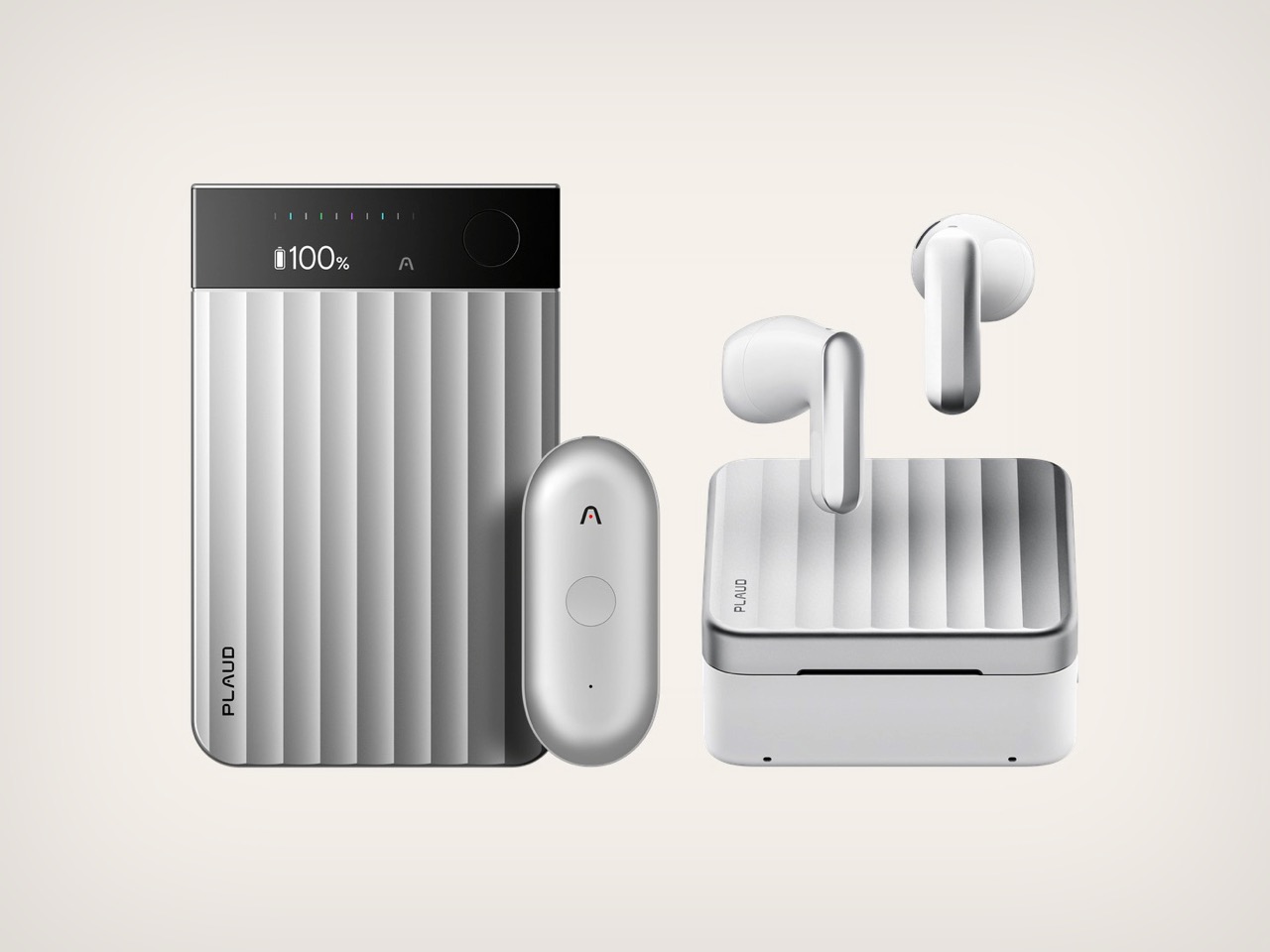
Joining host Radhika Seth is Jeff Easter, HCI Designer at PLAUD, whose experience spans data visualization, physical prototyping, and work on the hardware and audio experiences behind Amazon’s Echo Frames smart glasses. His perspective connects the details of a button press with much larger questions about attention, trust, and human connection. Throughout the interview, Easter considers how technology can support a conversation without becoming its main character, and how a seemingly simple object can communicate what a complicated system is doing. From wearable recorders to a personal push-to-talk project, his examples suggest that designing for AI requires as much restraint as invention, particularly when the goal is to help people stay present.
Click Here to Learn More about PLAUD.AI

Making Room for Human Connection
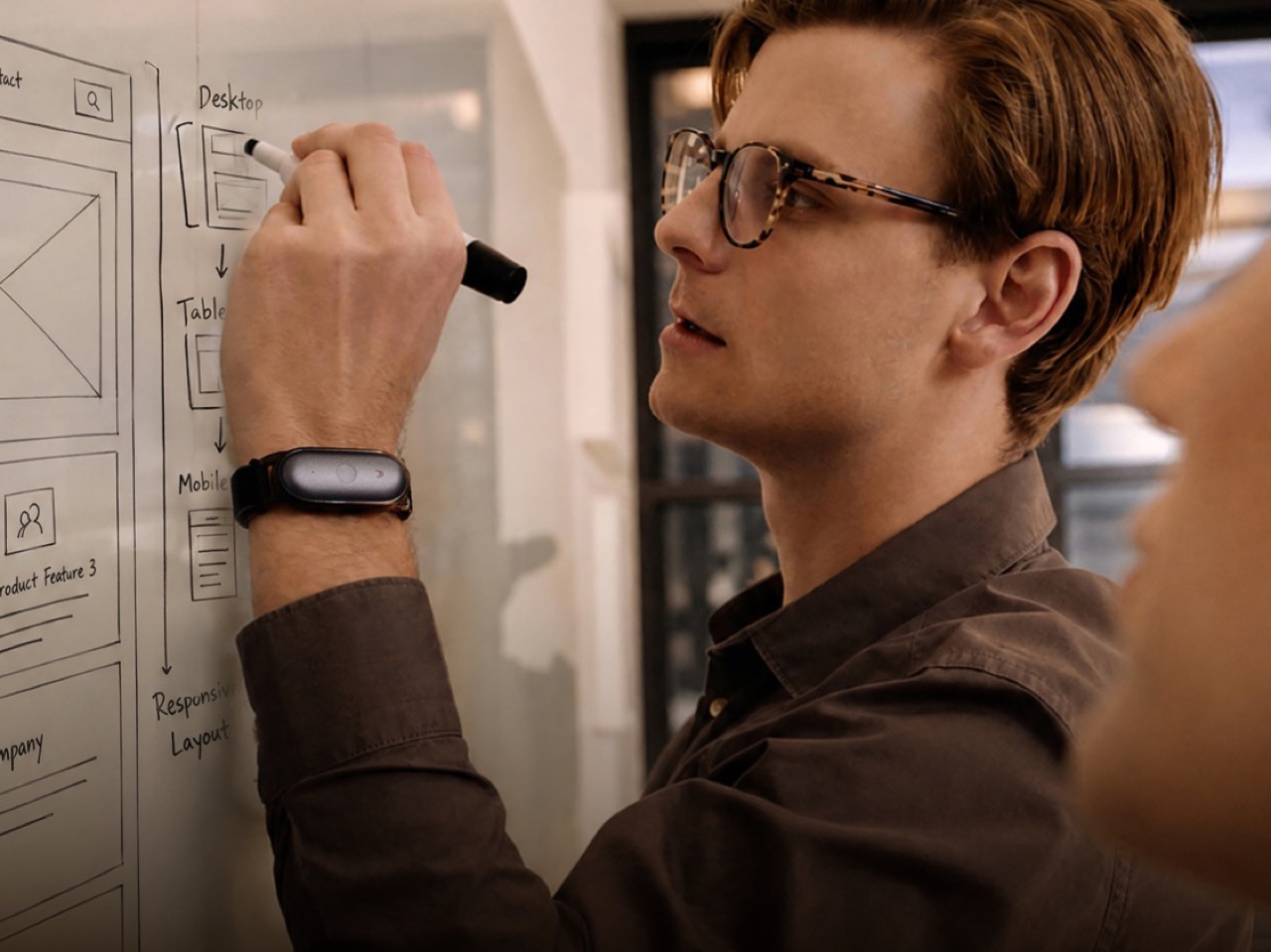
Looking across his career, Easter finds a common thread in projects that initially seem quite different. Data visualization helped people understand information about the world, while physical interfaces offered ways to interact with technology without continually retreating into a display. Both reflect an interest in connecting people with something beyond the interface itself. Removing a screen, however, does not automatically accomplish that. A device that constantly interrupts through sounds, vibrations, or spoken prompts can be just as demanding as a phone. The more useful opportunity is to let someone direct a system while continuing to sketch, write, listen, or talk, preserving the activity that prompted them to seek assistance in the first place.
An experiment involving notifications on smart glasses illustrates the difference. Easter recalls a participant who found it easier to concentrate when only messages from selected people came through. Knowing that an important message would reach them reduced the urge to keep checking their phone. The value came from reassurance rather than a greater volume of information. That distinction also explains his frustration with interfaces that interrupt an existing task to promote other possibilities. As he puts it, “I opened your app because I want to do something. I don’t want to think about some other ways that I could use this.” Good interaction design respects that original intention instead of treating every moment of attention as available space.
Giving Complex Intelligence a Simple Physical Interface
Easter’s personal push-to-talk button project makes that philosophy tangible. Built around his desire for faster, more reliable voice input, it gives a physical control one clear responsibility: allowing him to speak to his computer and have that speech transcribed. The intelligence behind the interaction can be sophisticated without making the object itself complicated. “It doesn’t need to do a lot of different things,” he says. That is a useful distinction for AI hardware, where adding capabilities can easily become an argument for adding interactions. A focused control establishes an understandable relationship between intention and action. Someone presses because they want to speak, rather than first having to decide which mode, menu, or gesture will produce the intended result.
His references to satisfying physical controls are similarly grounded. A door lock or valve can communicate something about its state through position, giving the person operating it an immediate sense of what has happened. That relationship between action and feedback becomes particularly valuable when there is no display to explain the system. A small interface still needs to answer basic questions: did the input register, is the device active, and what happens next? Easter’s examples point toward making those answers apparent through the behavior of the object itself. The challenge is not to make the underlying technology seem impressive. It is to make the interaction dependable enough that the user can stop thinking about the technology and return to their task.

Turning Captured Conversations Into Useful Work
A recording can preserve every word of a meeting without understanding which moment mattered most to the person recording it. PLAUD’s highlight interaction introduces a deliberate human signal into that process. A brief button press marks something worth revisiting, translating a familiar action, much like highlighting a sentence on paper, into context the system can use. “That ends up being critical for the system to understand additional context of what’s important to you,” Easter explains. Rather than expecting AI to infer every priority independently, the interaction gives the person a lightweight way to guide it. The device captures the broader conversation, while the user contributes judgment about the details that deserve particular attention afterward.
That usefulness has to extend beyond the meeting itself. A recording, transcript, summary, and list of suggested actions can become another collection of material to sort through. “So it’s not another thing you have to manage,” Easter says of the intended experience. He describes opportunities to prepare captured information for workflows people already use, rather than making them maintain a separate administrative layer. There is also a meaningful boundary between preparing information and acting on it. Organizing notes for later review is different from sending a message or committing information to another system. Those higher-consequence steps call for confirmation, potentially on a phone or computer where someone can inspect the details before approving what happens next.

Designing for Everyone Around the Recorder
A wearable recording device has more than one audience. Its owner needs to understand how to operate it, but the person across the table also needs to recognize what is happening. Someone nearby may never have encountered the product before. “But then we’re not just designing for the user,” Easter points out. That wider responsibility changes what counts as a successful interface. A vibration may clearly confirm an action for the wearer while communicating nothing to anyone else. A visible indicator serves a different purpose, making the device’s activity apparent beyond the person controlling it. Designing these signals means considering the social setting around the object, not simply the efficiency of the person pressing its button.
The conversation draws an important distinction between technology becoming unobtrusive and becoming secretive. A recording device should be able to stay out of the owner’s way without concealing its activity from other people. Easter discusses deliberate interactions, including pressing and holding to begin recording, alongside feedback that communicates starting and stopping. These decisions help make the device’s behavior understandable, although an indicator alone cannot resolve every question about permission or appropriate use. The broader lesson is that physical simplicity does not remove social complexity. A product can have very few controls and still require careful thought about what those controls communicate, who can perceive the feedback, and whether everyone involved understands the state of the interaction.
Knowing When a Screen Still Makes Sense
For all the interest in screen-free interaction, Easter is not arguing that every task belongs on a wearable. A physical object can handle an immediate action during a conversation, while a phone or computer provides room to review the results. Seth points to source markers that let someone move from a summary back to the transcript and check what was actually said. That kind of inspection benefits from detail and visibility, qualities a minimal device is not necessarily built to provide. Adding a tiny screen simply to keep everything on the same object may create more friction than it removes. The more thoughtful approach is to assign each part of the experience to an interface suited to it.
The episode’s Design Mindset Challenge puts that approach into a hypothetical scenario: a creative director moving between a studio, client meetings, and site visits needs to capture decisions without repeatedly reaching for her phone. Easter proposes a portable totem with a readable physical state. Face down, it is off; turning it over makes it active, with its appearance helping communicate that change to others. Flipping it back stops the recording and sends the material onward for later processing. This is a concept explored during the interview, not an announced PLAUD product. Its appeal lies in the connection between an understandable gesture and a useful action, leaving the more detailed work for a moment when the person is ready to review it.
Click Here to Learn More about PLAUD.AI
SHARE
Sarang Sheth
If you liked the article, do not forget to share it with your friends. Follow us on Google News too, click on the star and choose us from your favorites.
If you want to read more like this article, you can visit our Technology category.