Table of Contents
Real-time translation has quietly become one of the most useful things AI can do, and most of the solutions doing it well are deeply dependent on cloud infrastructure. The phone apps and earbuds that translate conversations on the fly are continuously routing audio through remote servers, which works fine until the network doesn’t. Travel to areas with spotty coverage, use a device that can’t roam internationally, or simply value keeping your conversations off someone else’s server, and the whole pipeline collapses at the exact moment you need it most.
The Gemma Translator is a direct answer to that. It’s a handheld voice translation device that runs its entire AI processing pipeline locally on a Raspberry Pi 5, with no internet required after the initial setup. There’s no cloud to route audio through, no API key to maintain, and no service that can be discontinued. You speak into it, and it translates and speaks back, all on the same pocket-sized device.
Designer: Google
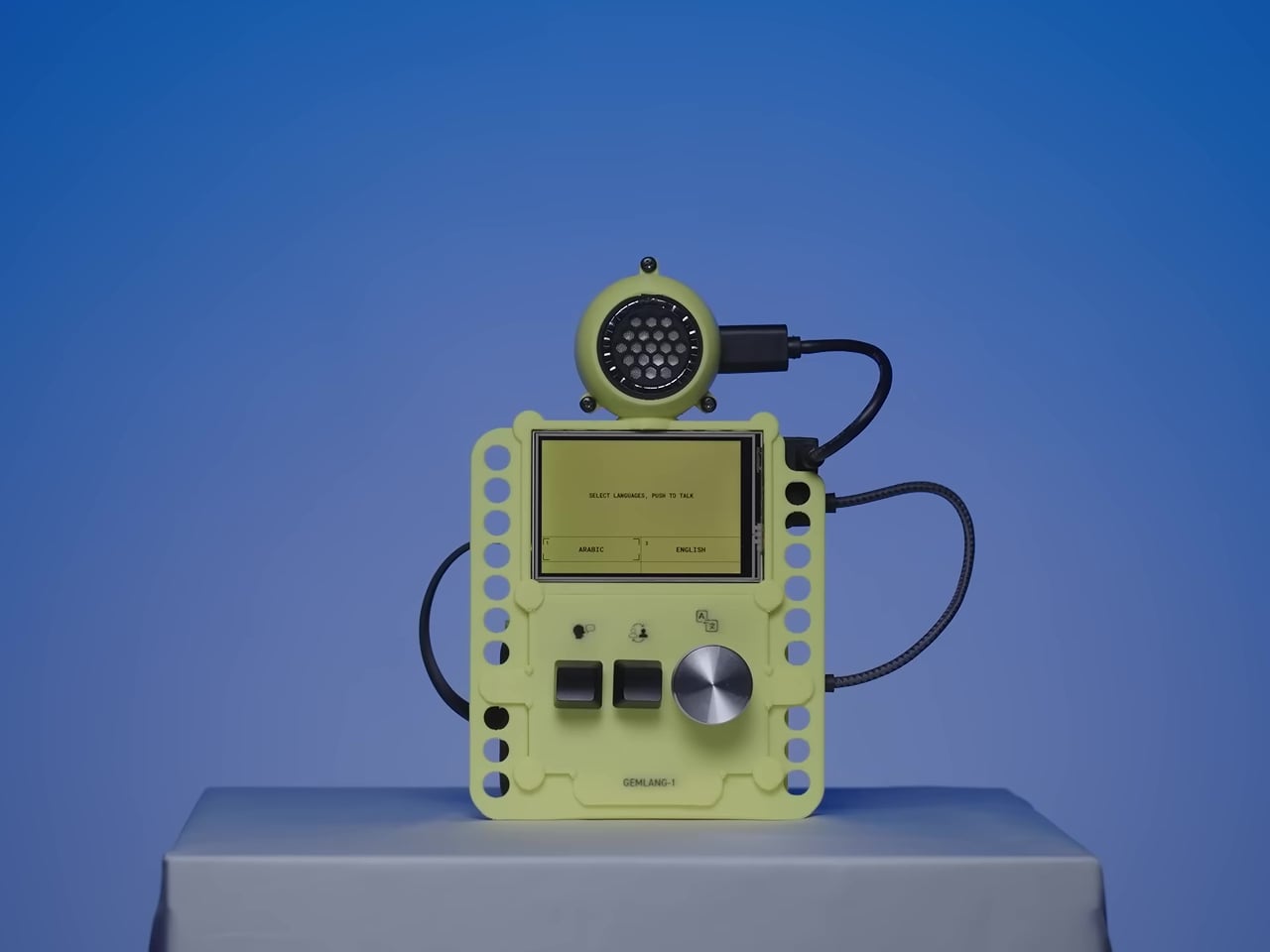
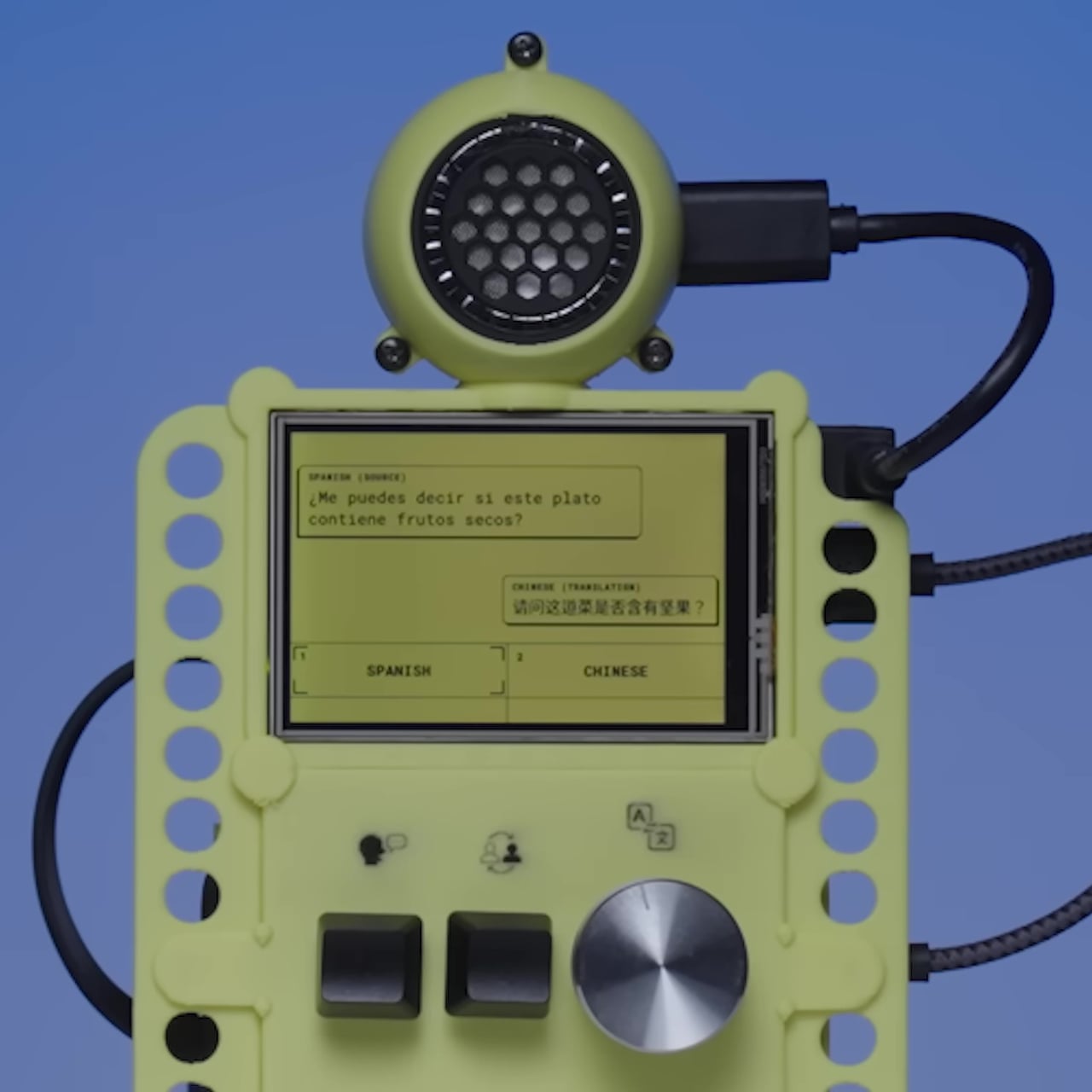
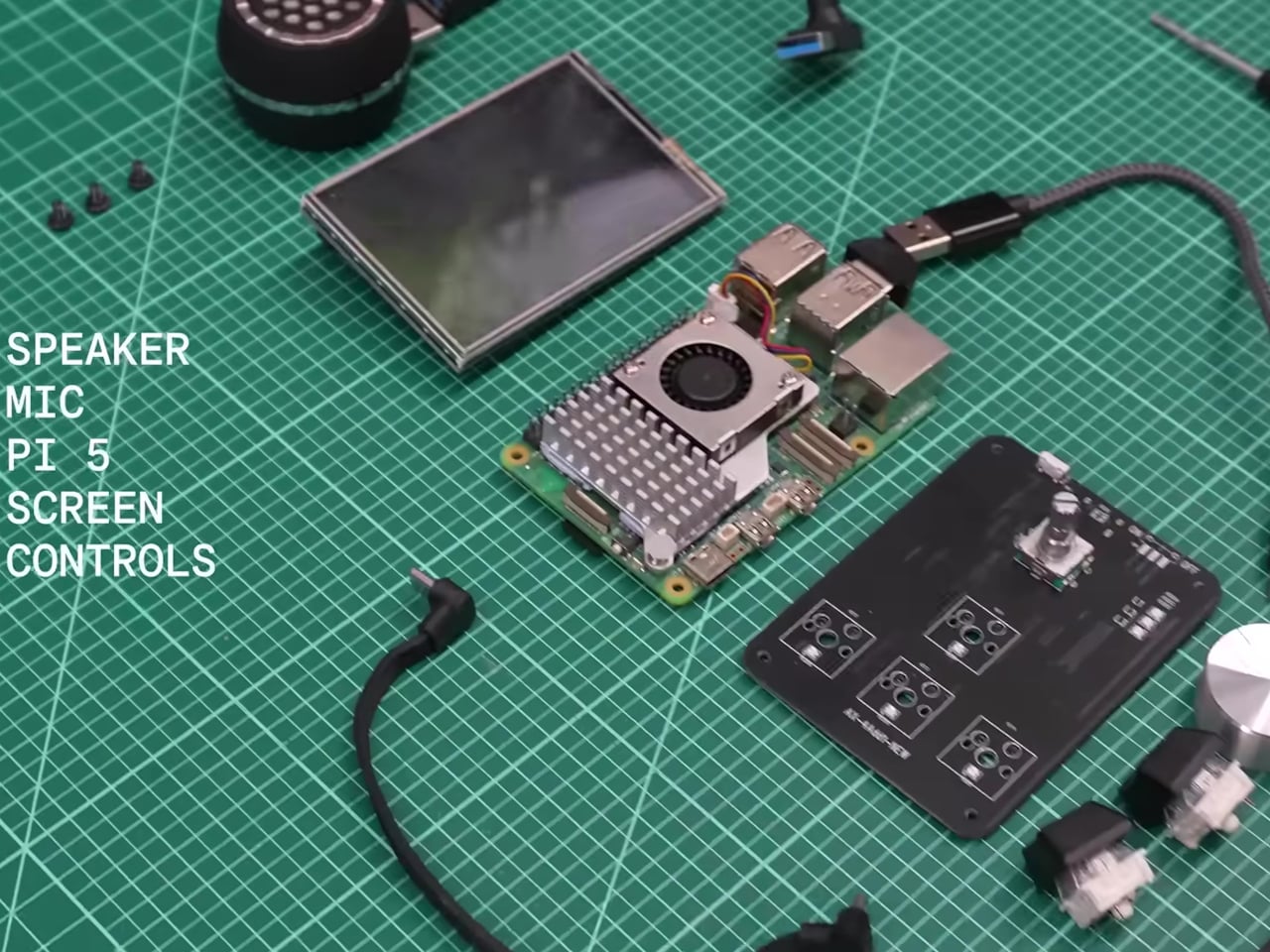
The hardware is deliberately approachable. A Raspberry Pi 5 with 8 GB of RAM powers the whole thing, paired with a 480×320 touchscreen, a microphone, a speaker, push-to-talk buttons, and a rotary encoder for selecting languages. Everything fits inside a 3D-printed enclosure in yellow and black, and the STL files for printing it are included in the open-source repository, so anyone with a printer can replicate the physical build exactly.
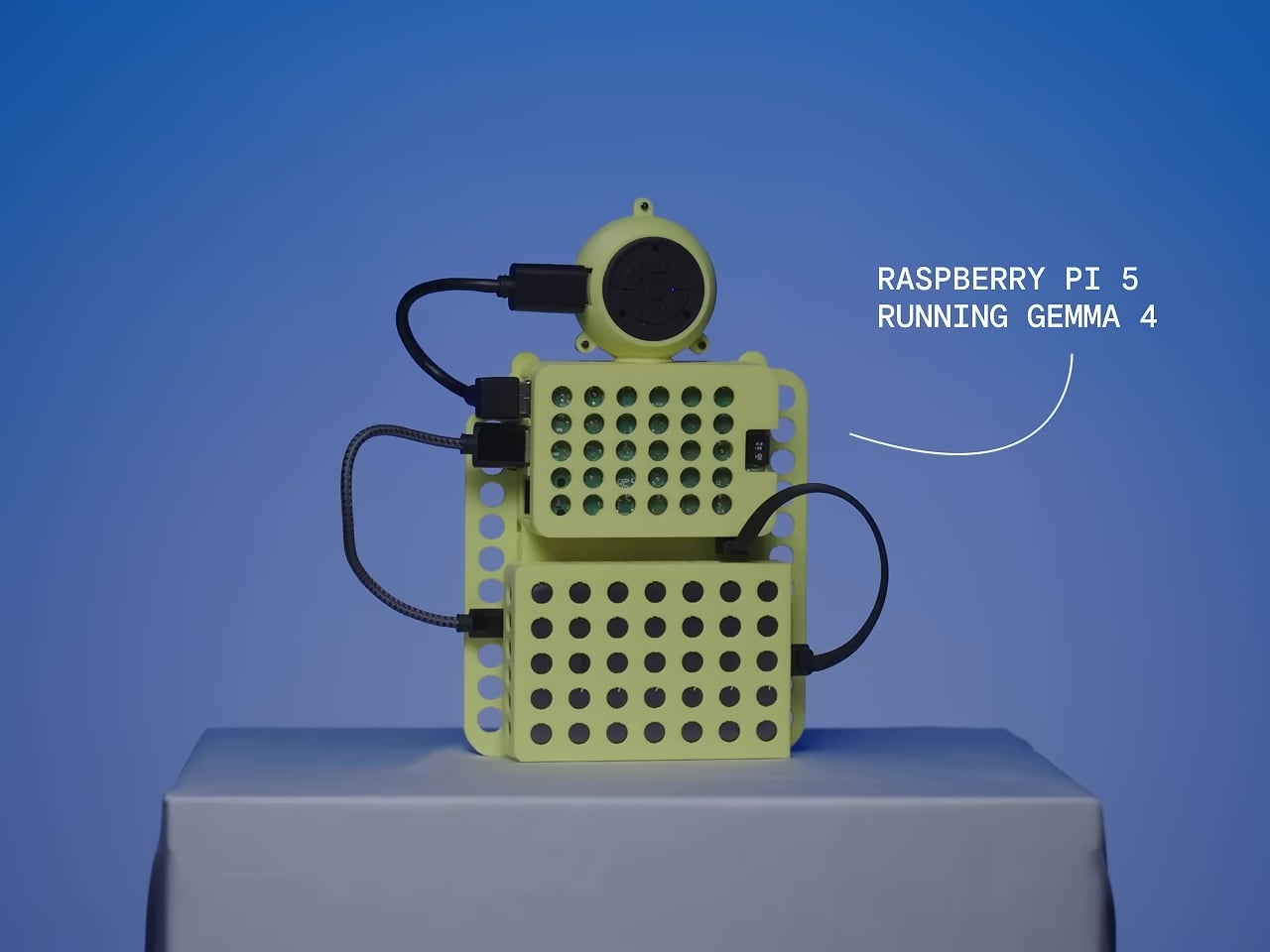
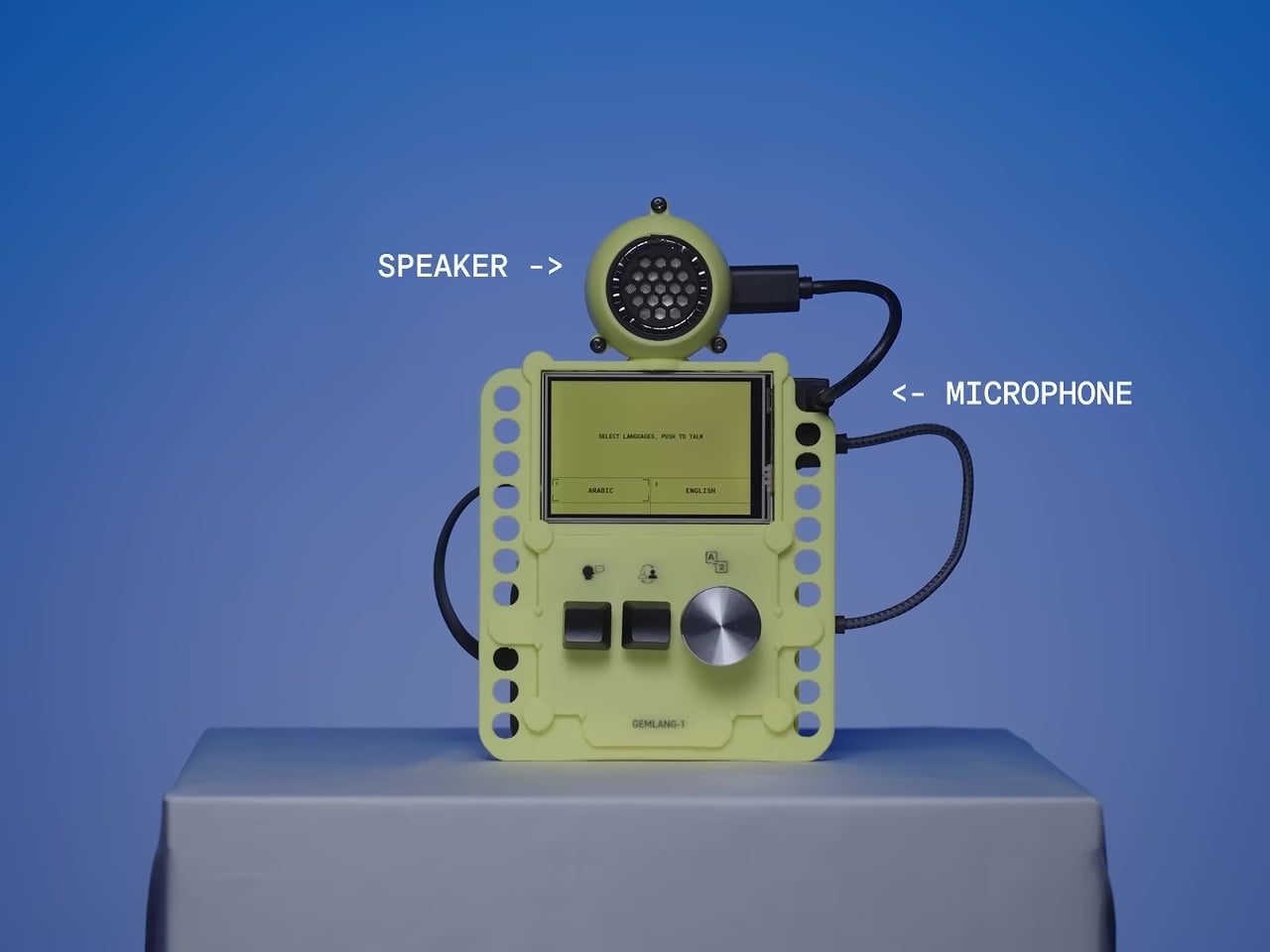
The software stack is what makes the offline operation genuinely work at useful speeds. Translation runs on Google’s Gemma 4 E2B model via LiteRT-LM, hitting around six tokens per second on the RPi 5 while using under 1.5GB of RAM. Speech recognition uses Moonshine, which is reportedly up to five times faster than Whisper Tiny. Text-to-speech output runs through Kokoro. The result is a complete speech-in, speech-out translation loop that stays on the device from start to finish.
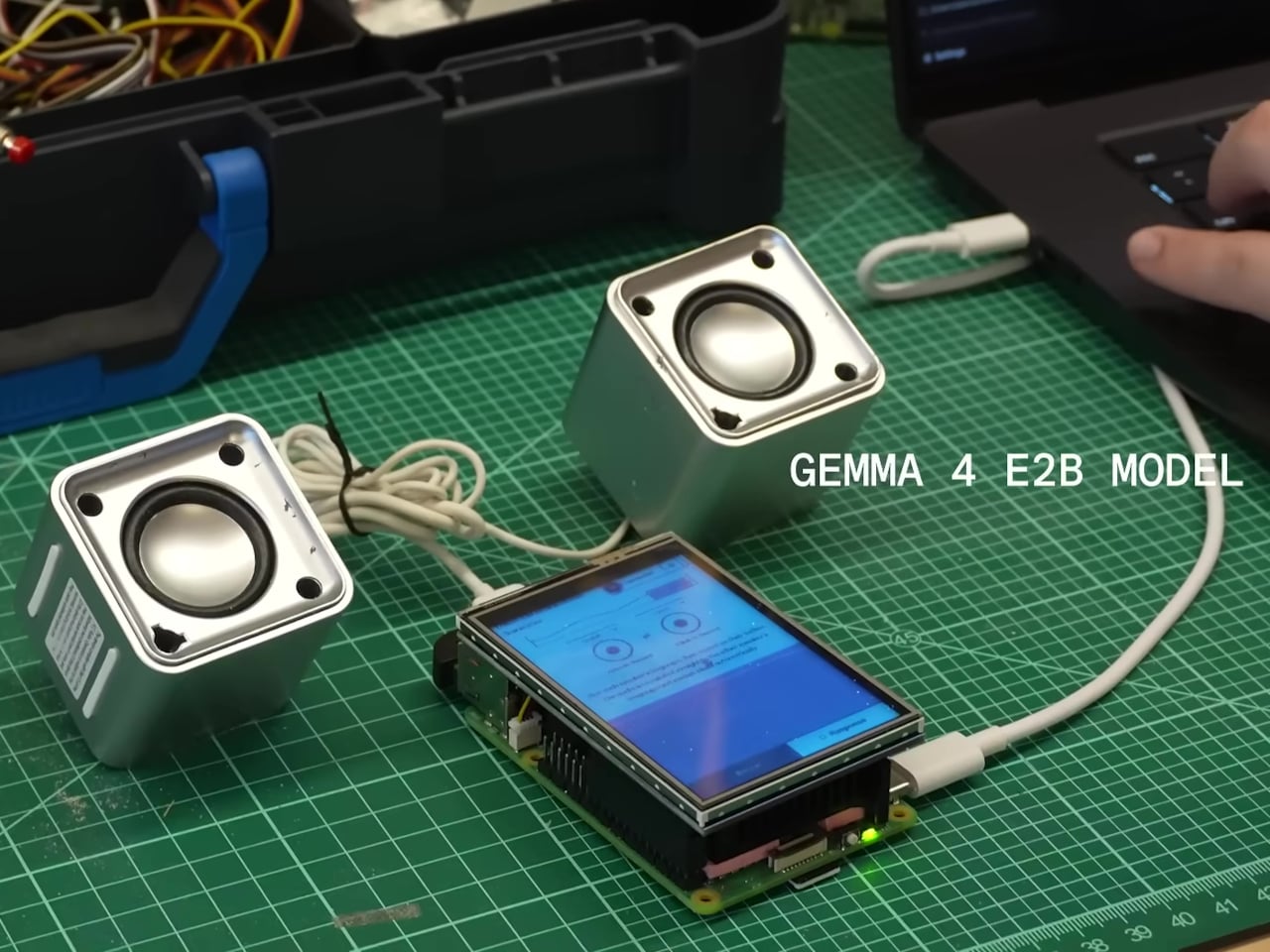
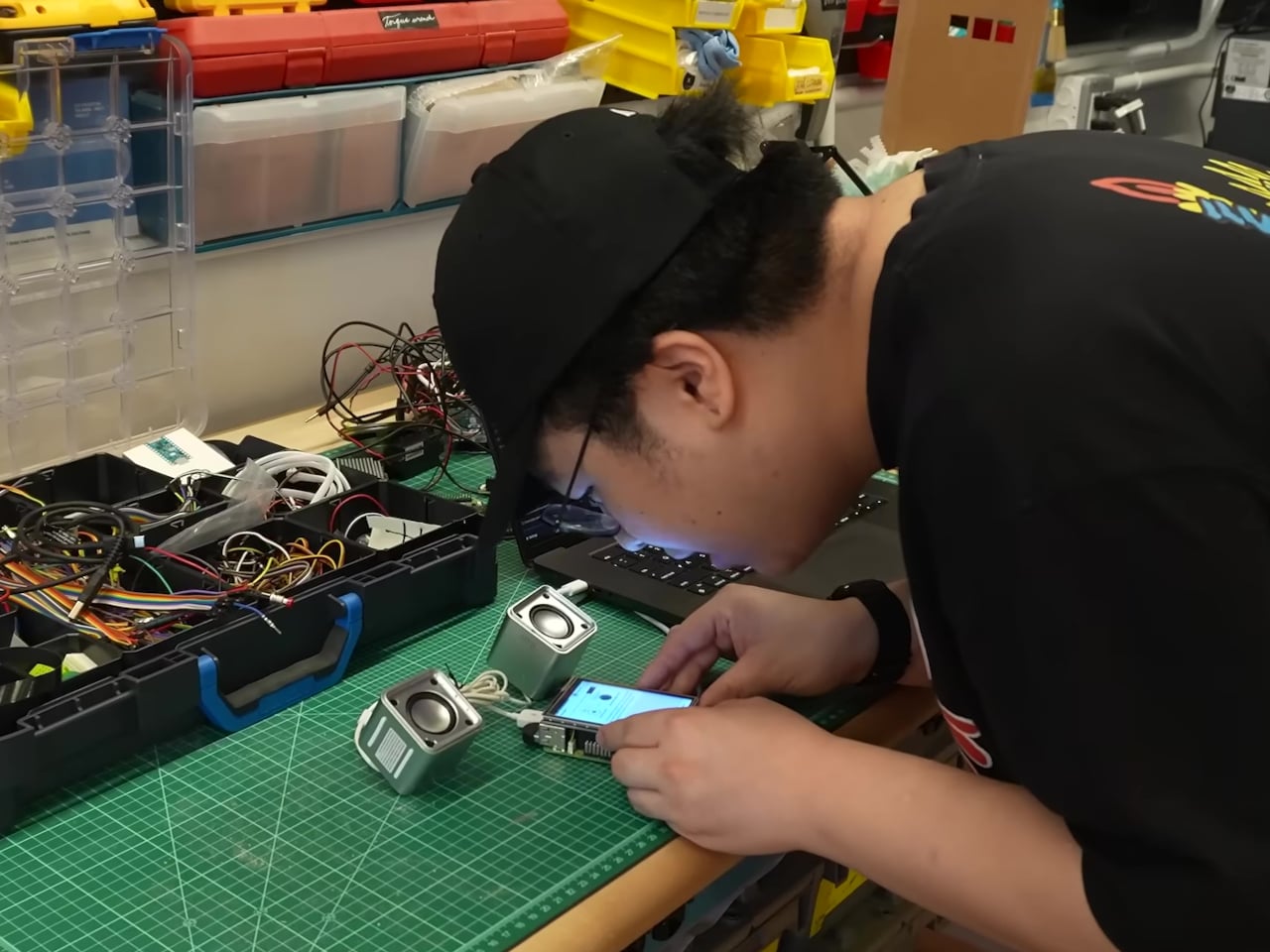
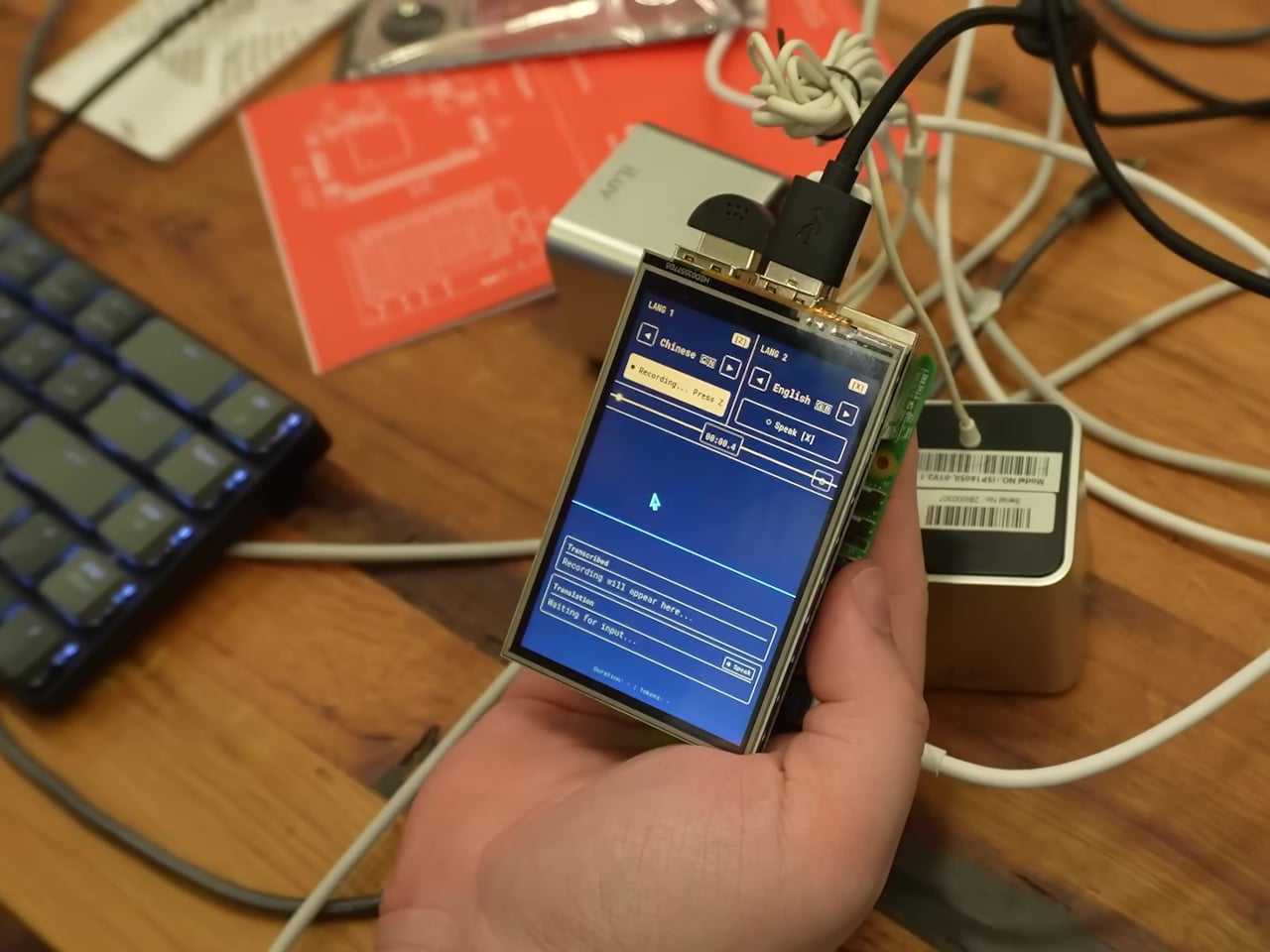
The interface was designed specifically for face-to-face conversation rather than solo use. Two modes let the device handle either one person managing both sides of the exchange or two people independently operating their own microphone and language selection. Physical buttons keep recording controls tactile, which matters when you’re trying to have a conversation rather than navigate menus.
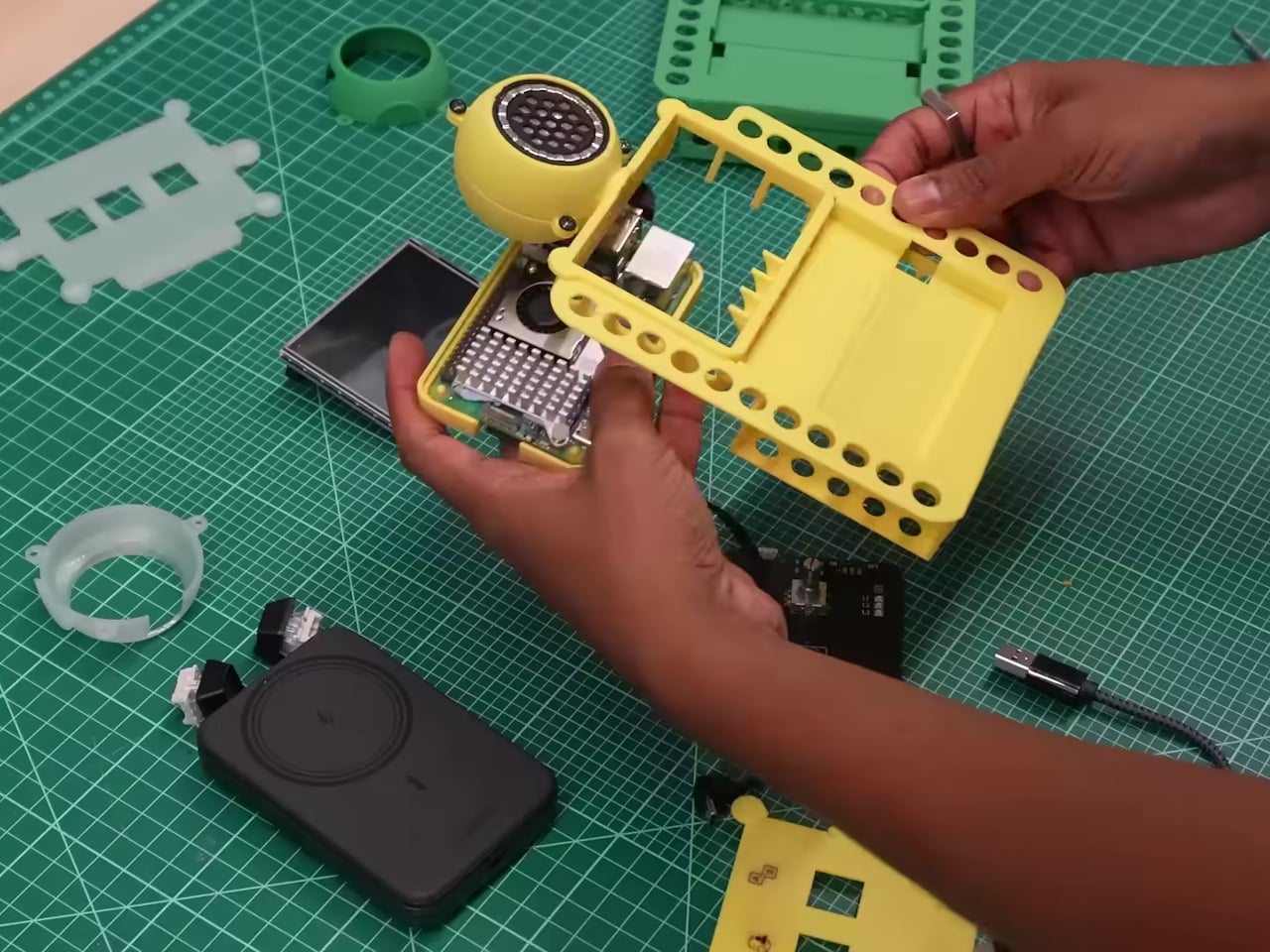
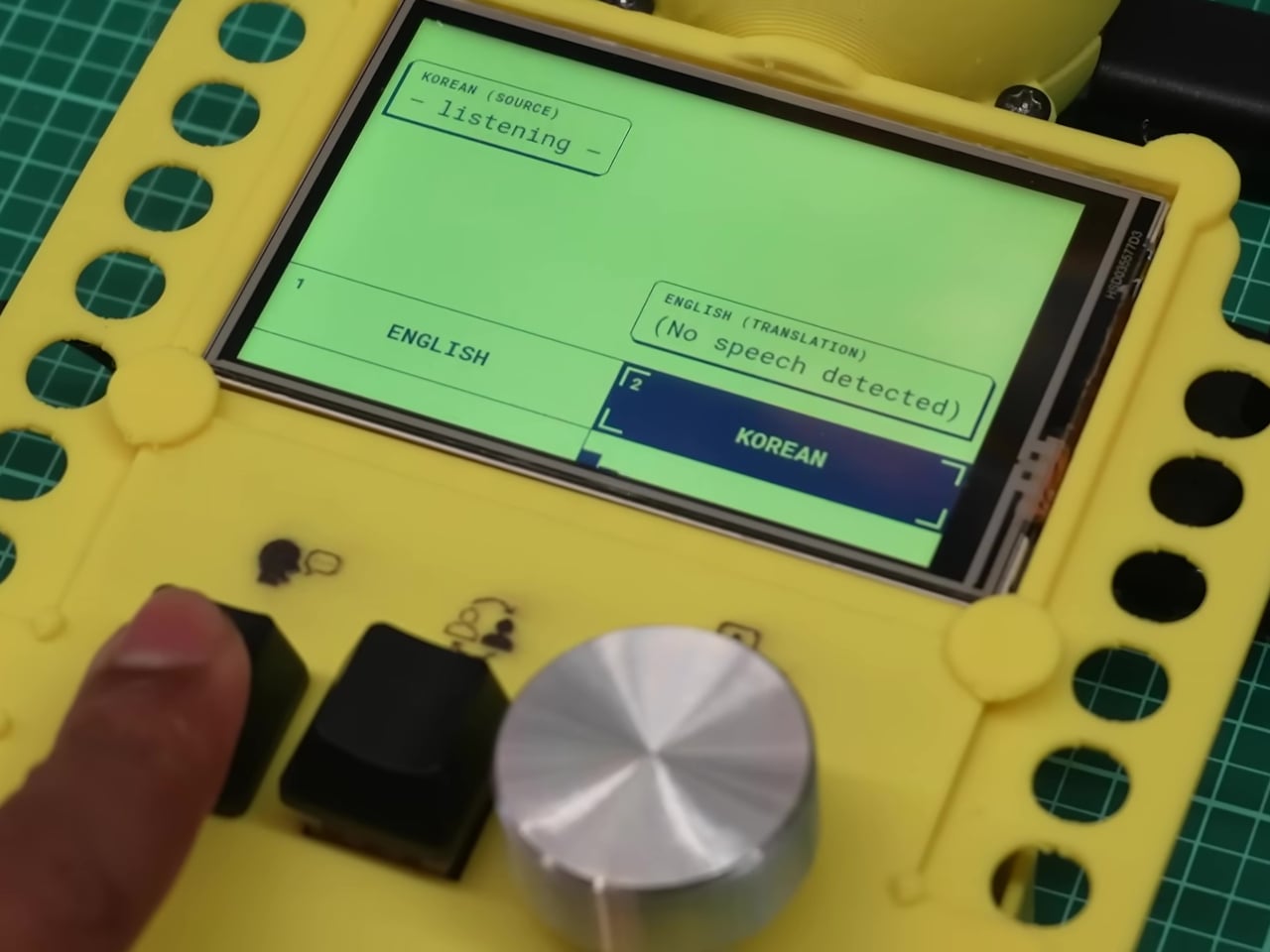
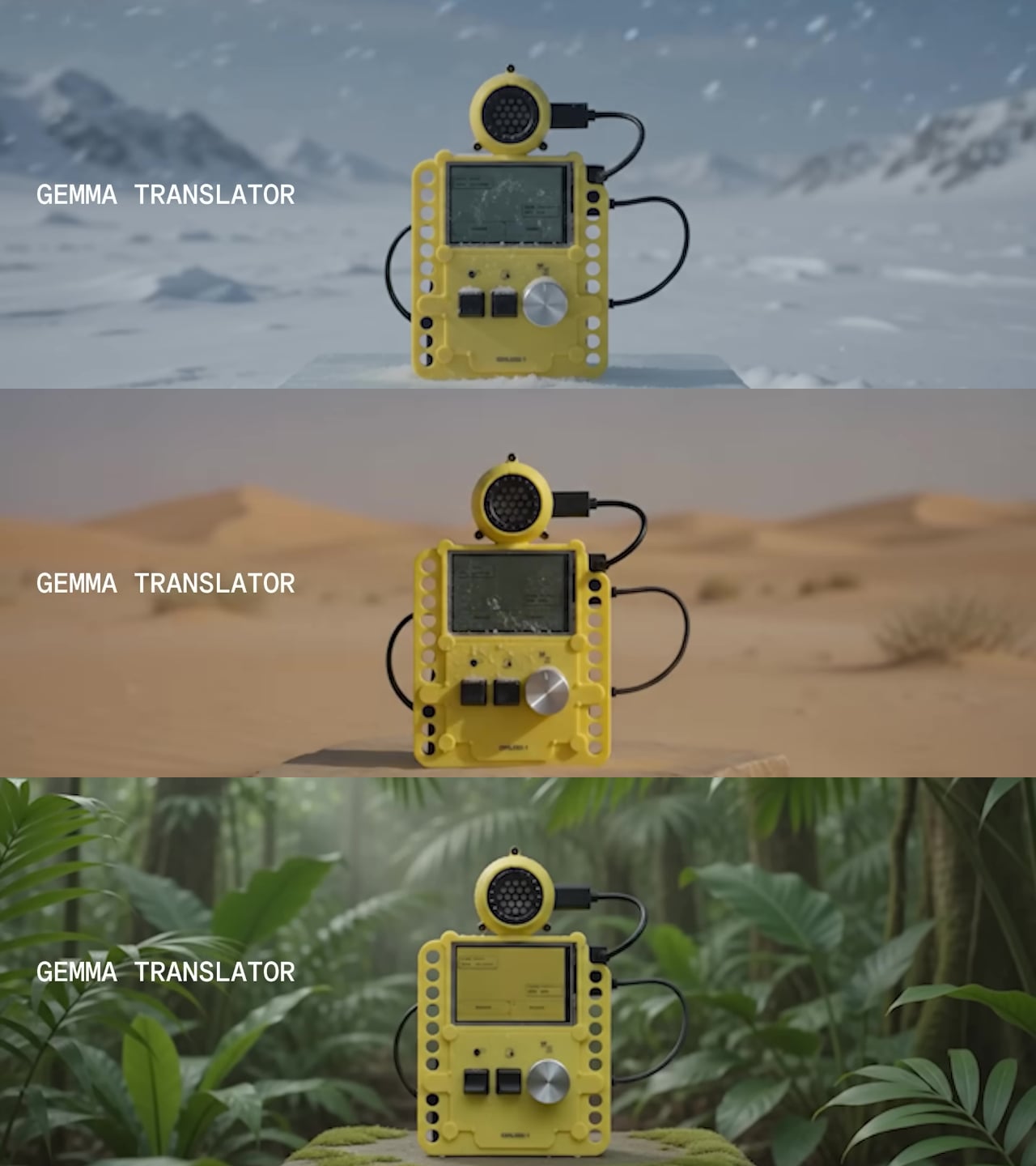
The privacy argument is almost incidental to how useful the offline capability turns out to be in purely practical terms. Field researchers in areas without reliable networks, travelers moving through places where international data is expensive, and anyone working in a sensitive conversation context all get the same thing: a translation device that doesn’t require a connection to keep working. The fact that none of the audio ever leaves the device is simply a consequence of building something that had to work without one.
JC Torres
If you liked the article, do not forget to share it with your friends. Follow us on Google News too, click on the star and choose us from your favorites.
If you want to read more like this article, you can visit our Technology category.