Table of Contents
“#Google makes Nearby Share available on Android”
RECOMMENDED: Click here to fix Windows errors and optimize system performance
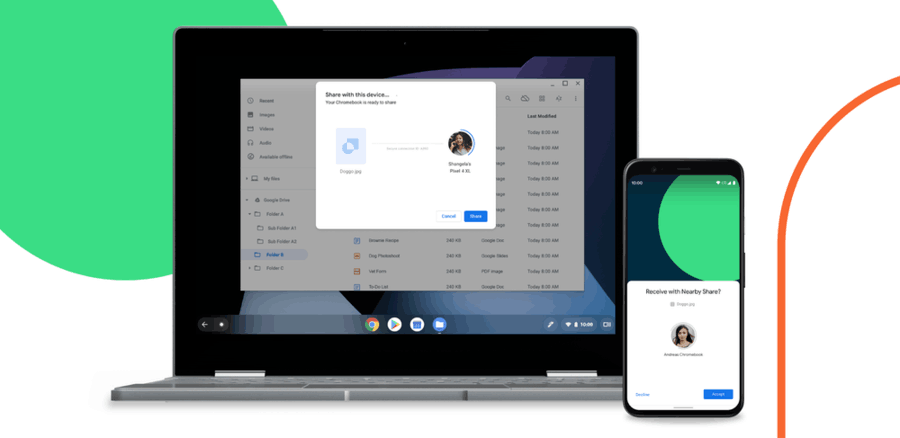
Nearby Share is a modern file sharing protocol that is expected to support Chrome OS, Windows, macOS, and Linux. It will utilize Bluetooth for transferring files between devices.
It will simplify the process by allowing the user to omit Bluetooth pairing. It will automatically look for Nearby Share-enabled devices in the available range, and send/receive files there. This should save a lot of users’ time.
This functionality, earlier available in Chrome OS in the Canary branch, is now becoming available on Android. Earlier, devices enrolled to the Android beta testing program, and comes as part of Google Play Services beta.
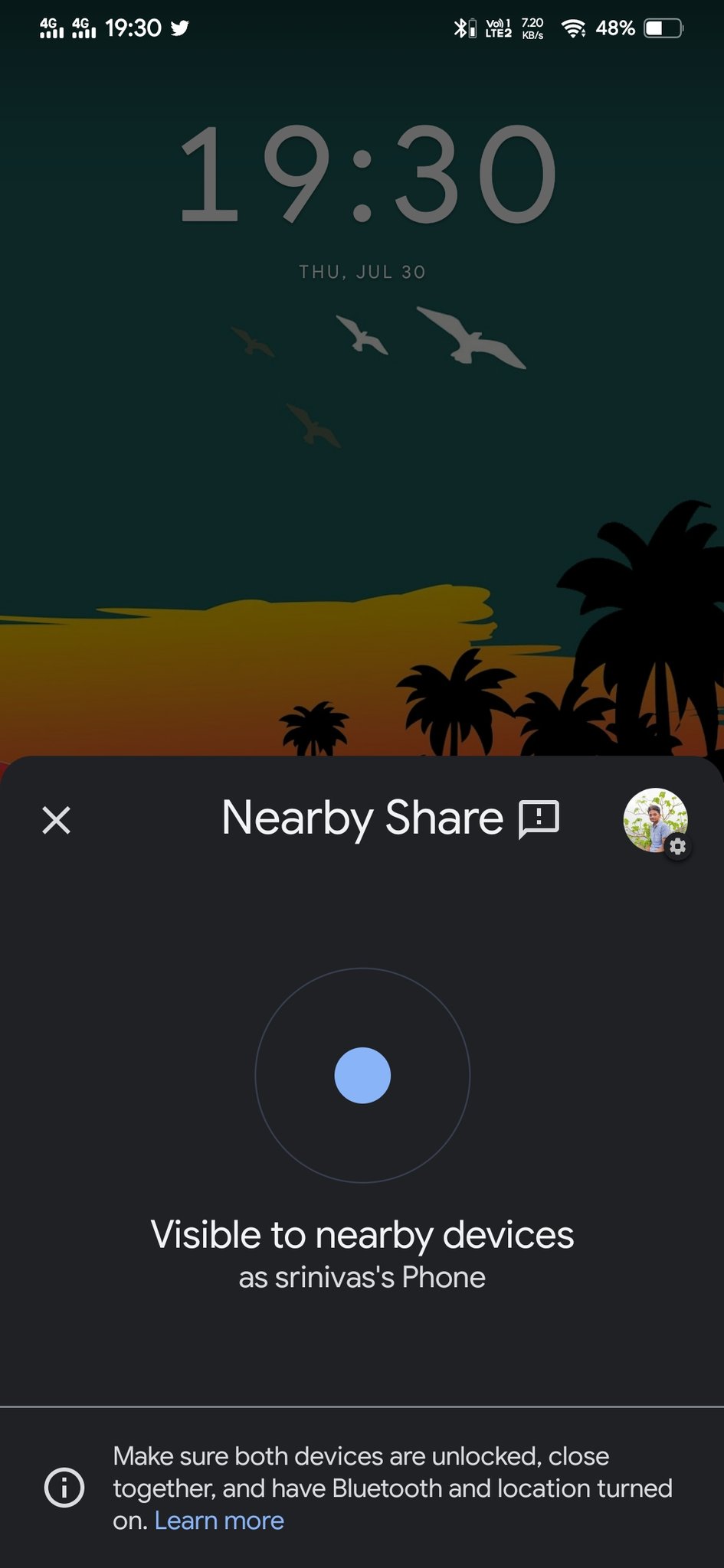
Image credits: https://twitter.com/MaxWinebach/status/1288836173805359106
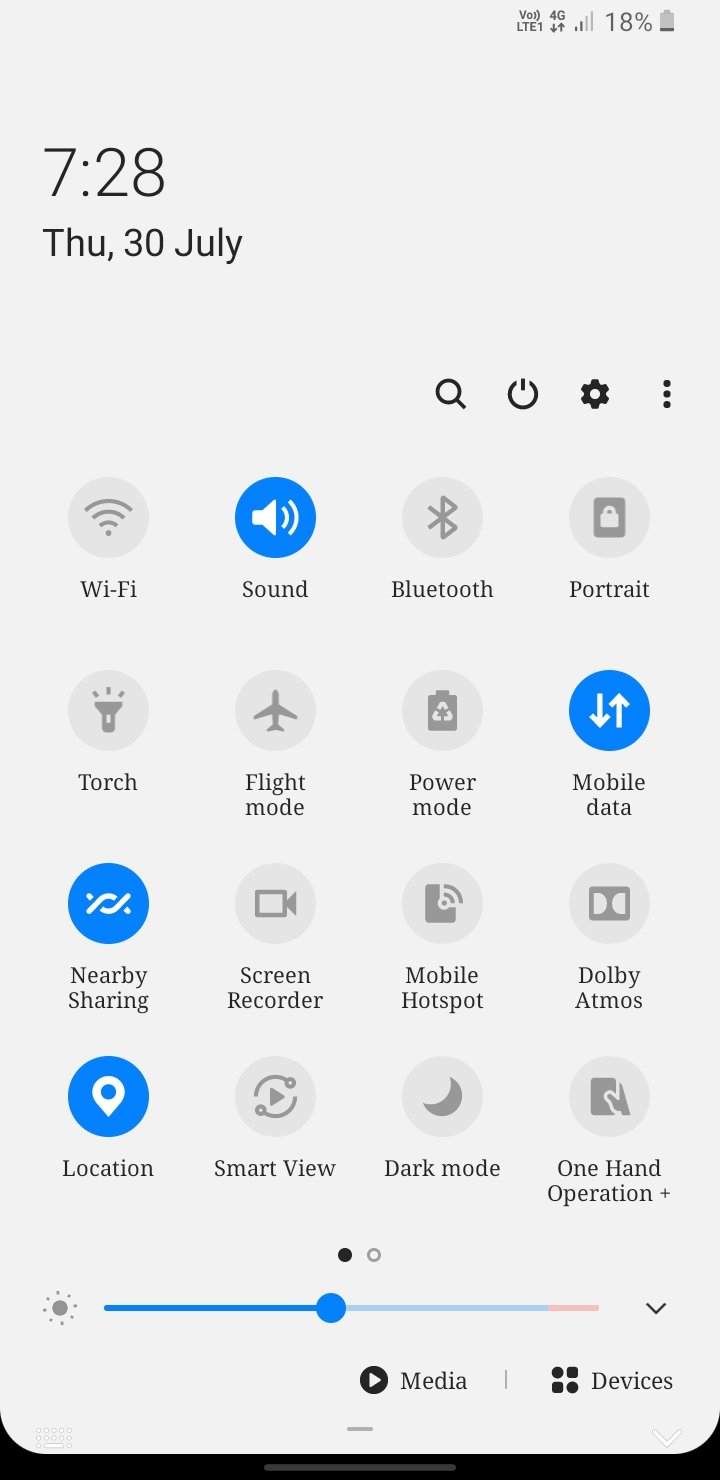
Image credits: https://twitter.com/MaxWinebach/status/1288836173805359106
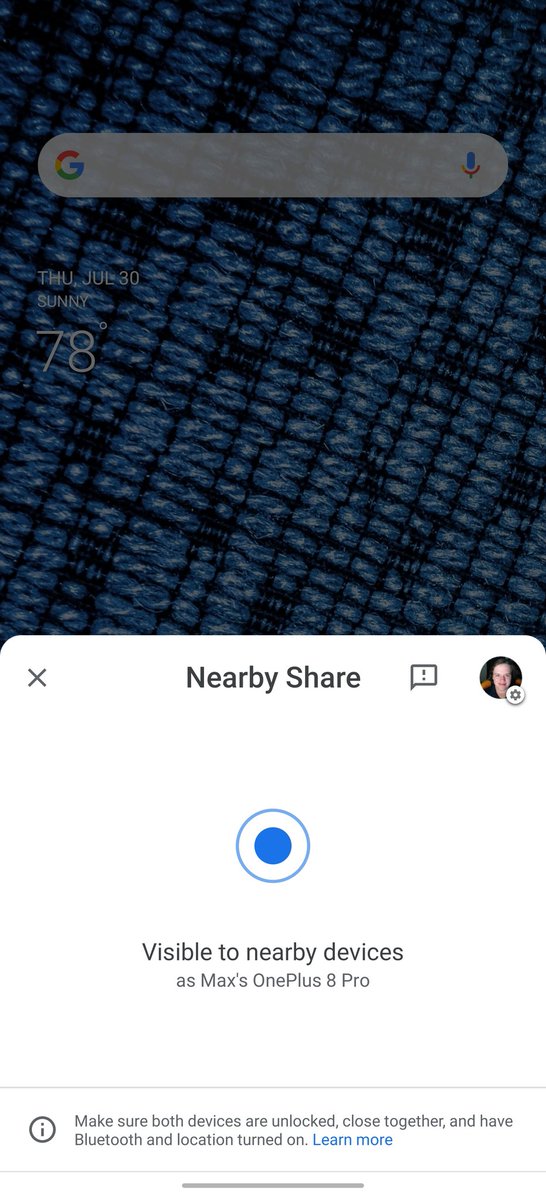
Image credits: https://twitter.com/MaxWinebach/status/1288836173805359106
Users can head to the notification shade and check to see if the icon is present. The feature serves a prompt asking if users would want to turn on the feature. Once enabled, it lets users search for nearby devices to connect to and share selected content with. It also offers a host of visibility options to limit being visible to all users.
Today, Google has officially launched the Nearby Share feature by making it available on select Android devices.
Select Google Pixel and Samsung devices will be the first smartphones to receive Nearby Share starting today. We will continue to work with our partners to bring Nearby Share to more smartphones in the Android ecosystem over the next few weeks.
, said the company.
The Nearby Share feature has got its own support page where the user can learn how to enable and use it.
It is worth mentioning that Nearby Share is also coming to Windows via the Chrome browser. Google is adding a Nearby Share flags to Google Chrome on Desktop. Initially, there were two flags, chrome://#nearby-sharing and chrome://sharesheets, but only the latter one survived.
Enable the chrome://#nearby-sharing flag in Chrome Canary if you want to play with this feature.
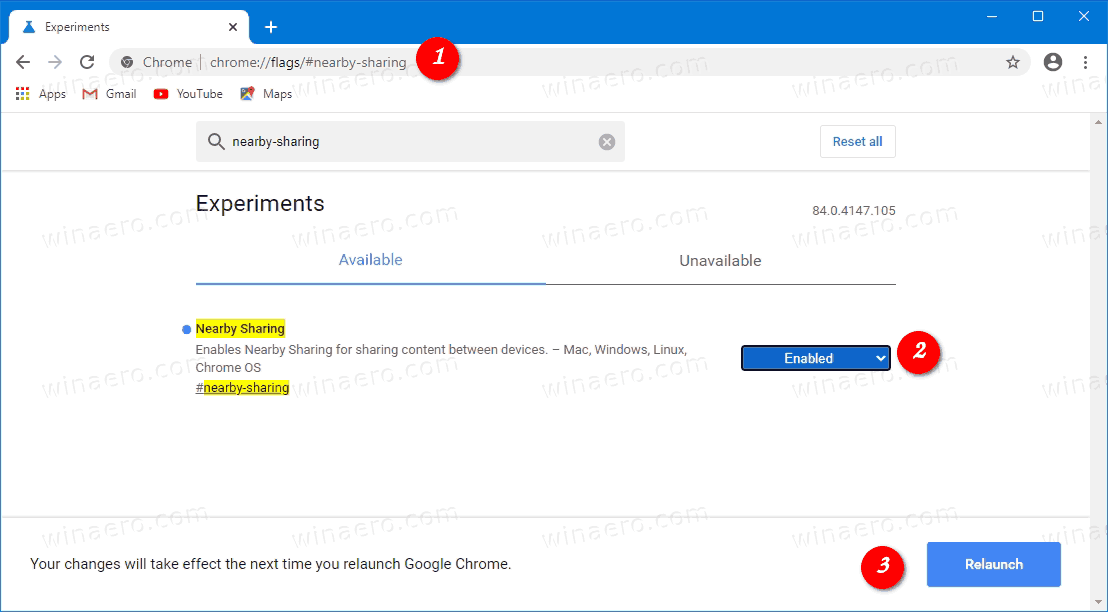
After you enable the above flag, you can access two pages in the browser. The first one opens the
Chrome://nearby page
It opens the following user interface:
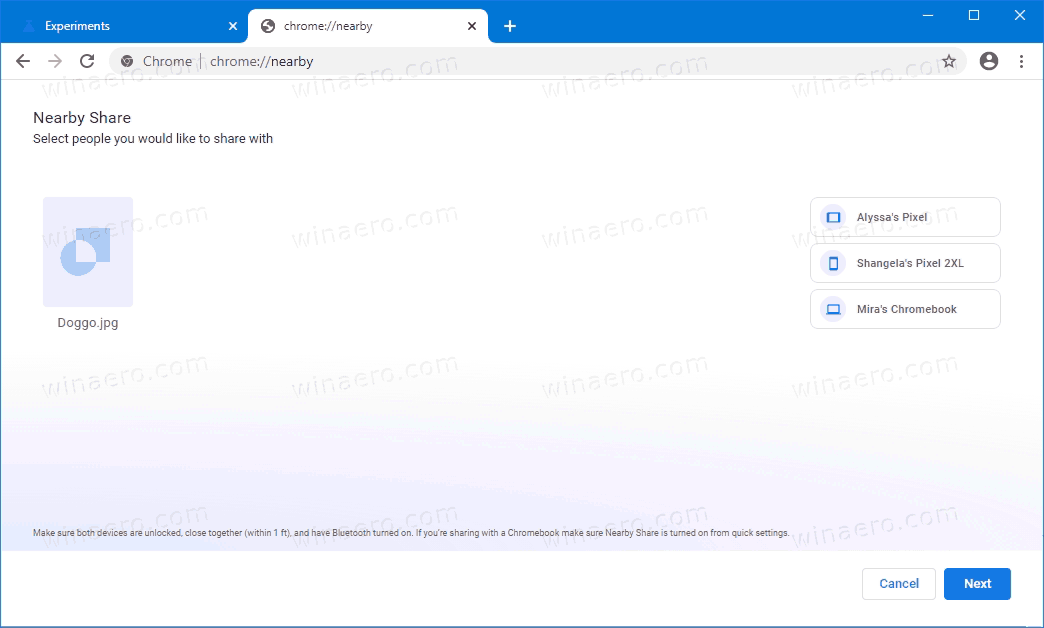
It is just mock-up rather than a working feature, but it gives an idea where Google is moving on.
The chrome://nearby-internals/ page
Another page, chrome://nearby-internals/, exposes some tech details related to the feature.
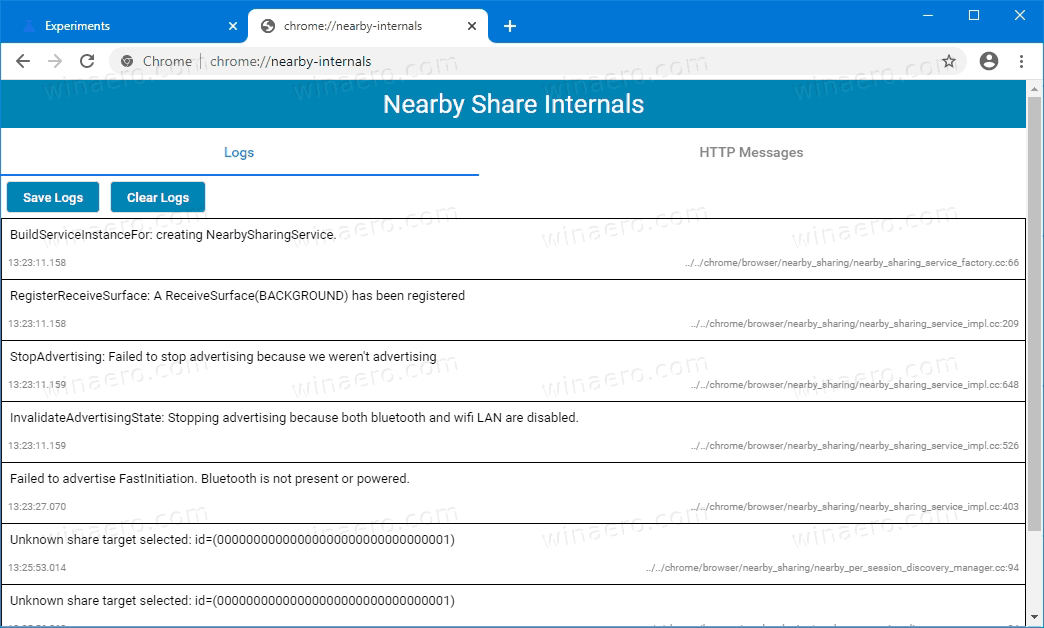
It can be useful for debugging. In my case it was able to detect that I have no Bluetooth receiver connected. In the future, it can be used to check the logs if some of your transfers fail.
RECOMMENDED: Click here to fix Windows errors and optimize system performance
If you want to read more like this article, you can visit our Technology category.
if you want to watch Movies or Tv Shows go to Dizi.BuradaBiliyorum.Com for forums sites go to Forum.BuradaBiliyorum.Com