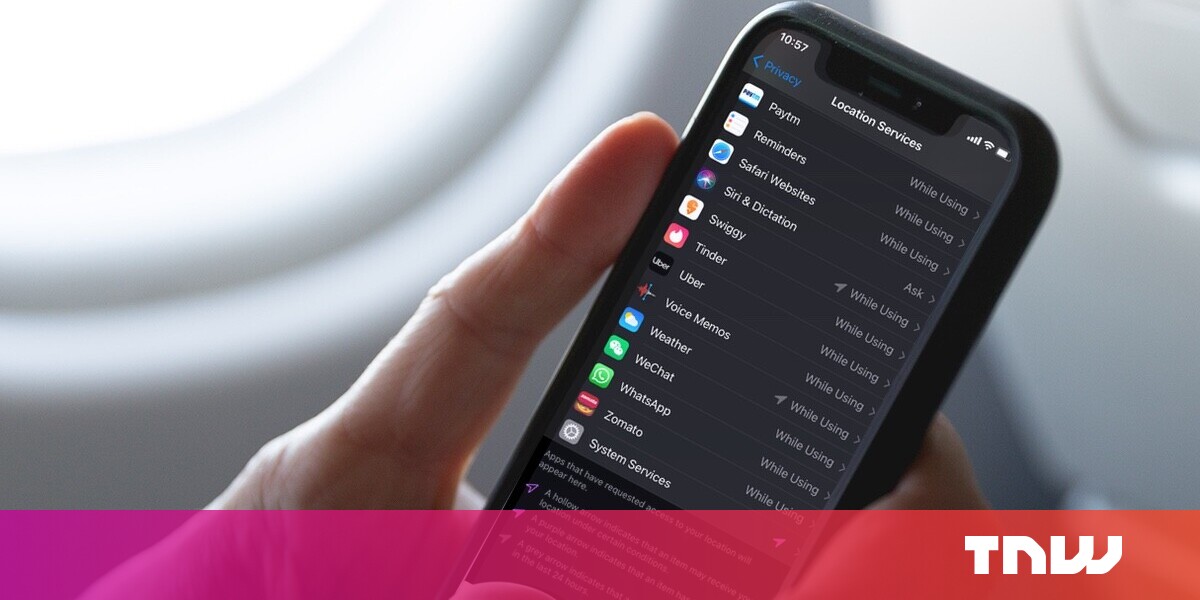
“#How to check which apps accessed your location in iOS 14”
If you want to watch Movies or TV series visit the Dizi.BuradaBiliyorum.Com
Last year, with iOS 13, Apple introduced a new setting that lets an app use your location data only once. With the introduction of iOS 14, the company has made a change to let you give out an approximate location to apps.
Along with that, you can also check what apps have recently accessed your location at a glance. We’ll tell you how you can do both in just a few steps.
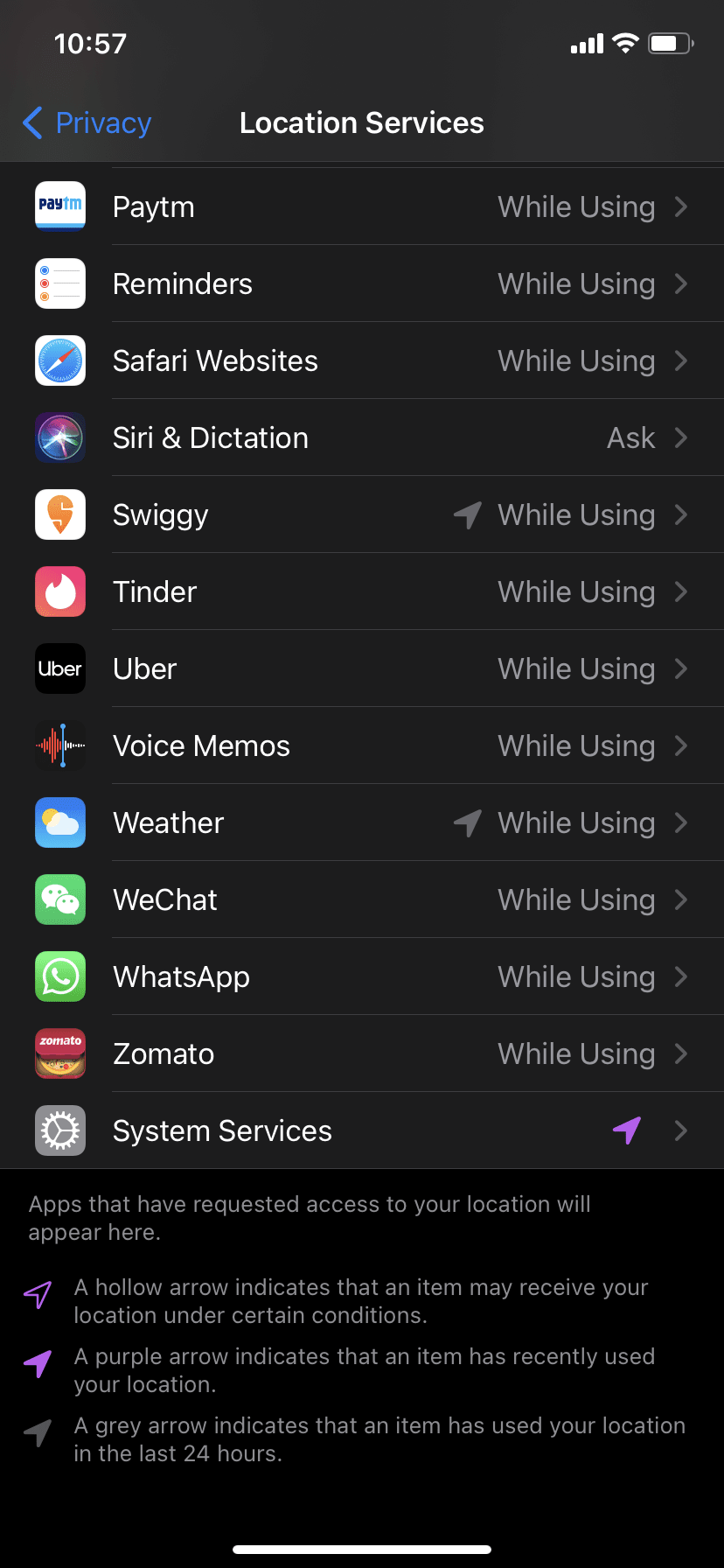
To check what apps accessed your location:
- Go to Setting > Privacy on your iPhone
- Tap on Location Services
- You can look at icons next to the apps to determine if they have accessed your location recently or in the last 24 hours.
Once you’ve seen how much permission apps have to your location data, you may want to change it or give them approximate location data. To do that, tap on any app when you’re on the location data screen. You’ll be able to see the level of permission and precise location toggle under the app, and you can change that if you want to.
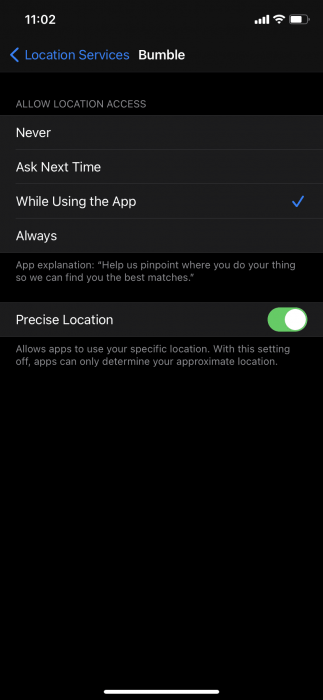
These settings give you more control over the data you share with apps, and it makes it difficult for them to track you. So, you should give a precise location only to the app that you trust.
If you’ve recently installed iOS 14, you might want to check out our guides for changing your default browser and mail app.
if you want to watch Movies or Tv Shows go to Dizi.BuradaBiliyorum.Com for forums sites go to Forum.BuradaBiliyorum.Com
If you want to read more like this article, you can visit our Technology category.