Table of Contents
Microsoft now lets advertisers block Audience Ads from appearing next to specific page titles, for more control over ad placement.
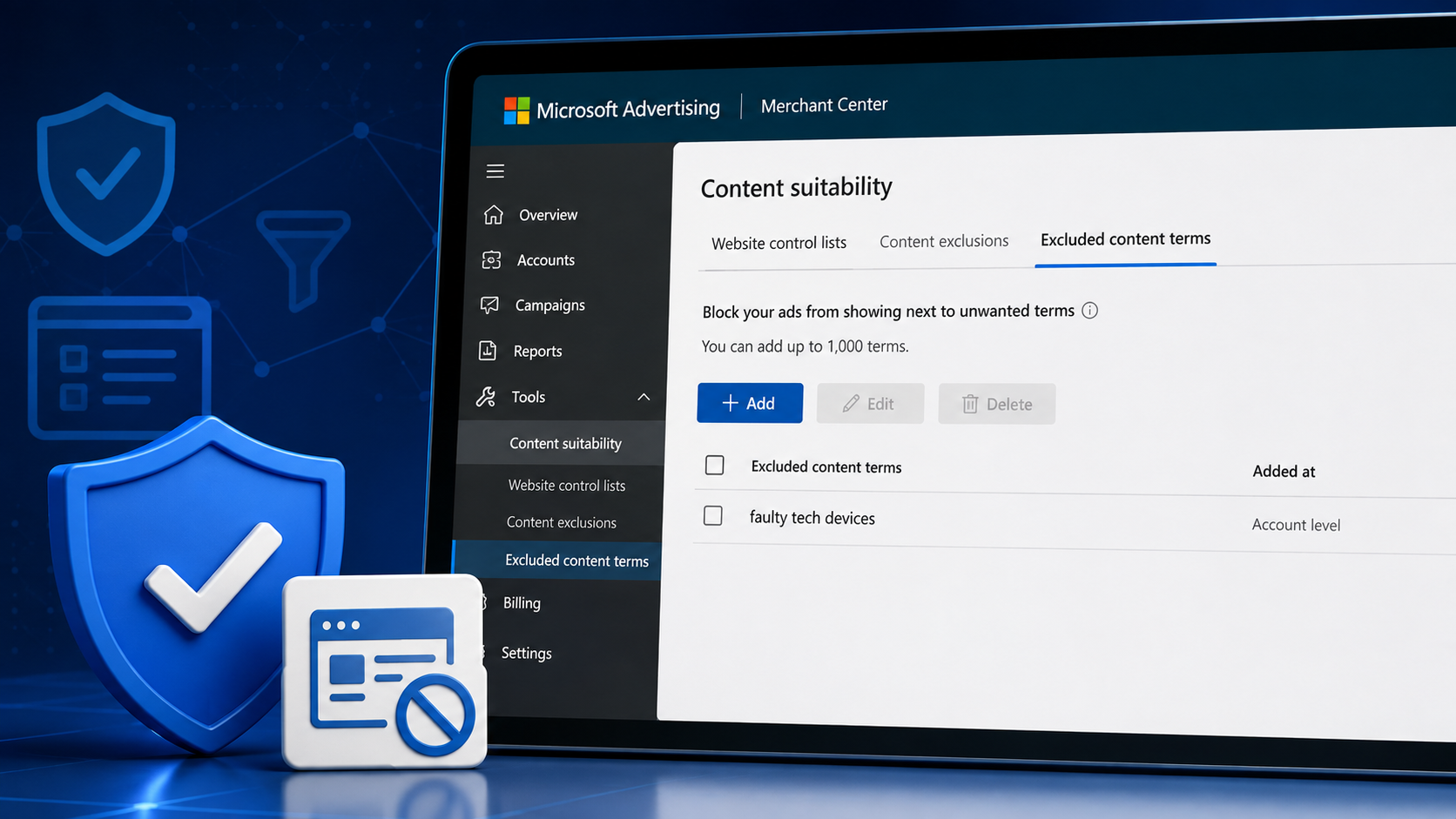
Microsoft Advertising is rolling out Excluded content terms, a new brand safety control that lets advertisers stop Audience Ads from appearing alongside specific page titles.
The feature gives marketers another way to protect brand reputation beyond website exclusions and sensitive content categories.
What’s happening. Advertisers can now create lists of unwanted words or phrases that prevent their ads from showing next to page titles containing those terms.
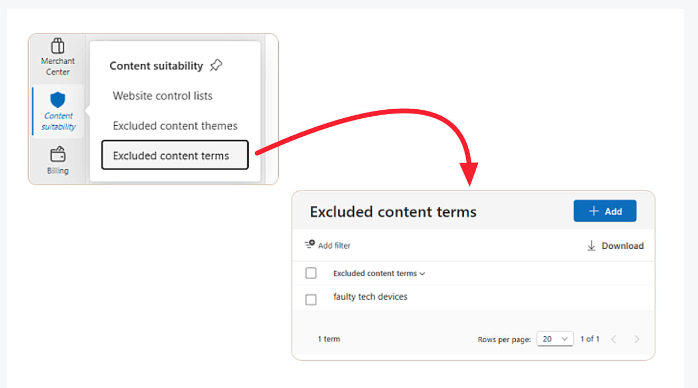
Excluded content terms can be added at the account or campaign level, with support for up to 1,000 terms. Campaign-level exclusions are automatically applied across all campaigns in the account, reducing the need to recreate lists for future campaigns.
The feature is managed through Tools > Content suitability > Excluded content terms and is rolling out gradually, so not all advertisers have access yet.
Why we care. While website exclusion lists block specific domains and content exclusions filter broad sensitive categories, excluded content terms offer much more granular control. Brands can avoid appearing next to page titles that mention topics, products or phrases they consider unsuitable, even if the page itself doesn’t fall into a blocked content category.
The bigger picture. Microsoft continues expanding its content suitability controls as advertisers place greater emphasis on brand safety. The new feature complements existing protections, including website exclusion lists and IAS-powered content exclusions that already filter ads away from high-risk categories such as adult content, gambling, hate speech and violence.
Bottom line. Excluded content terms give Microsoft Advertising users a more precise way to control where Audience Ads appear, helping brands avoid unwanted associations without relying solely on website or category-level exclusions.
Topics on this page
If you liked the article, do not forget to share it with your friends. Follow us on Google News too, click on the star and choose us from your favorites.
If you want to read more like this article, you can visit our Technology category.