Table of Contents
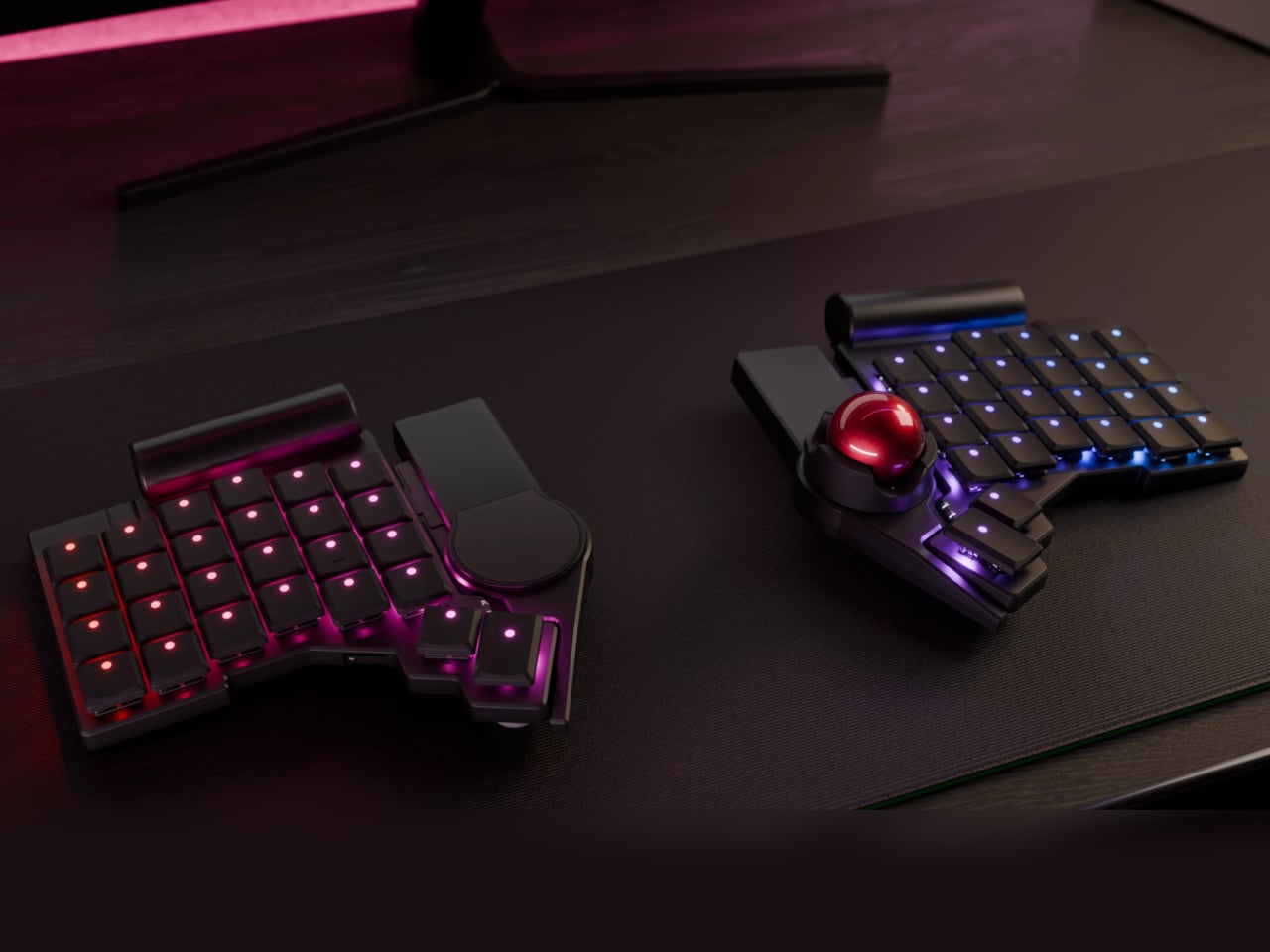
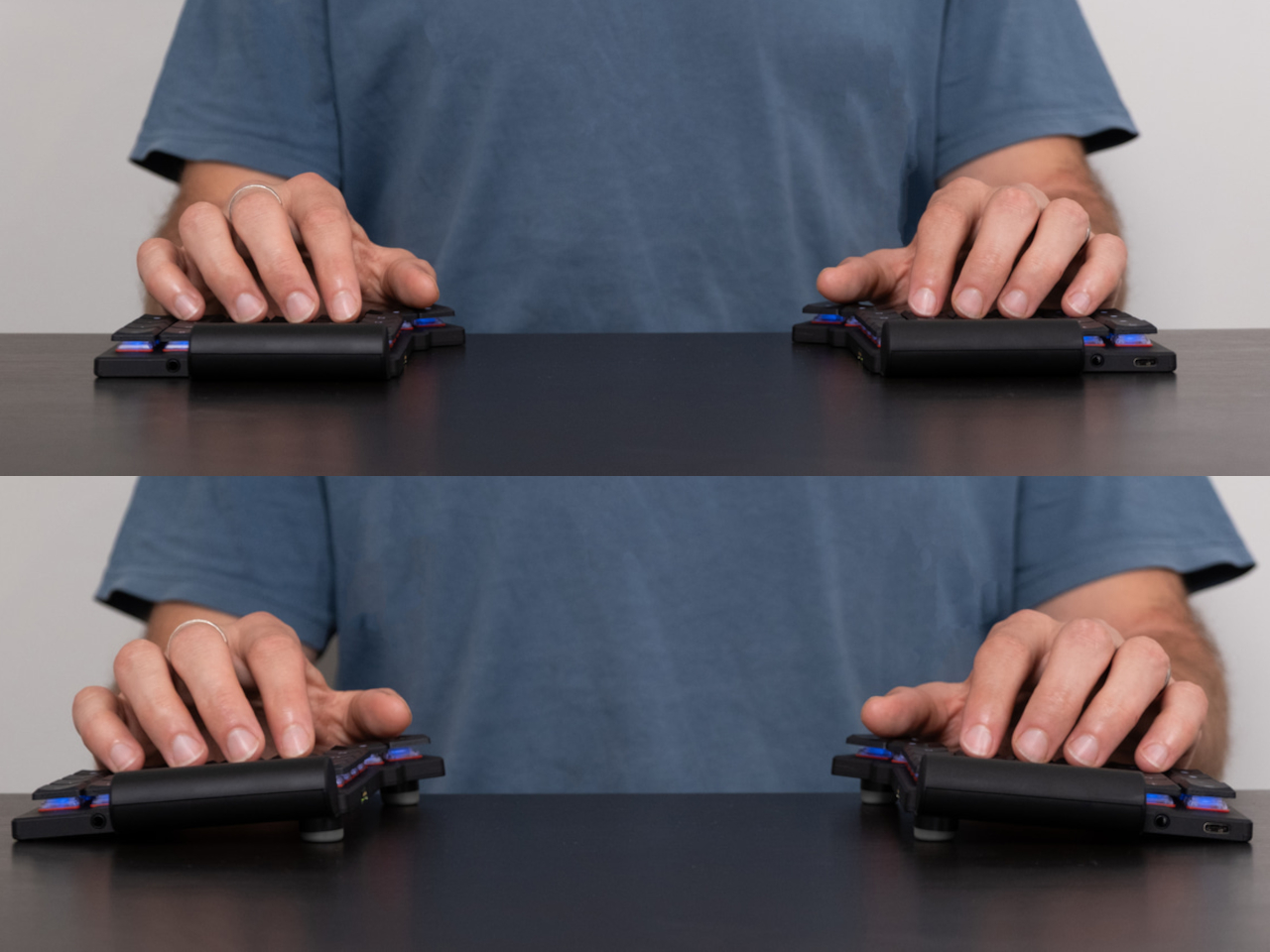
A split keyboard lets you move its halves apart, right up until the cable between them gets in the way. ZSA’s Wireless Voyager gets rid of that tether, but two rounded housings now sit just above the keys along the back edges. Each holds a rechargeable battery you can replace, so losing the cables doesn’t mean sealing the power supply inside.
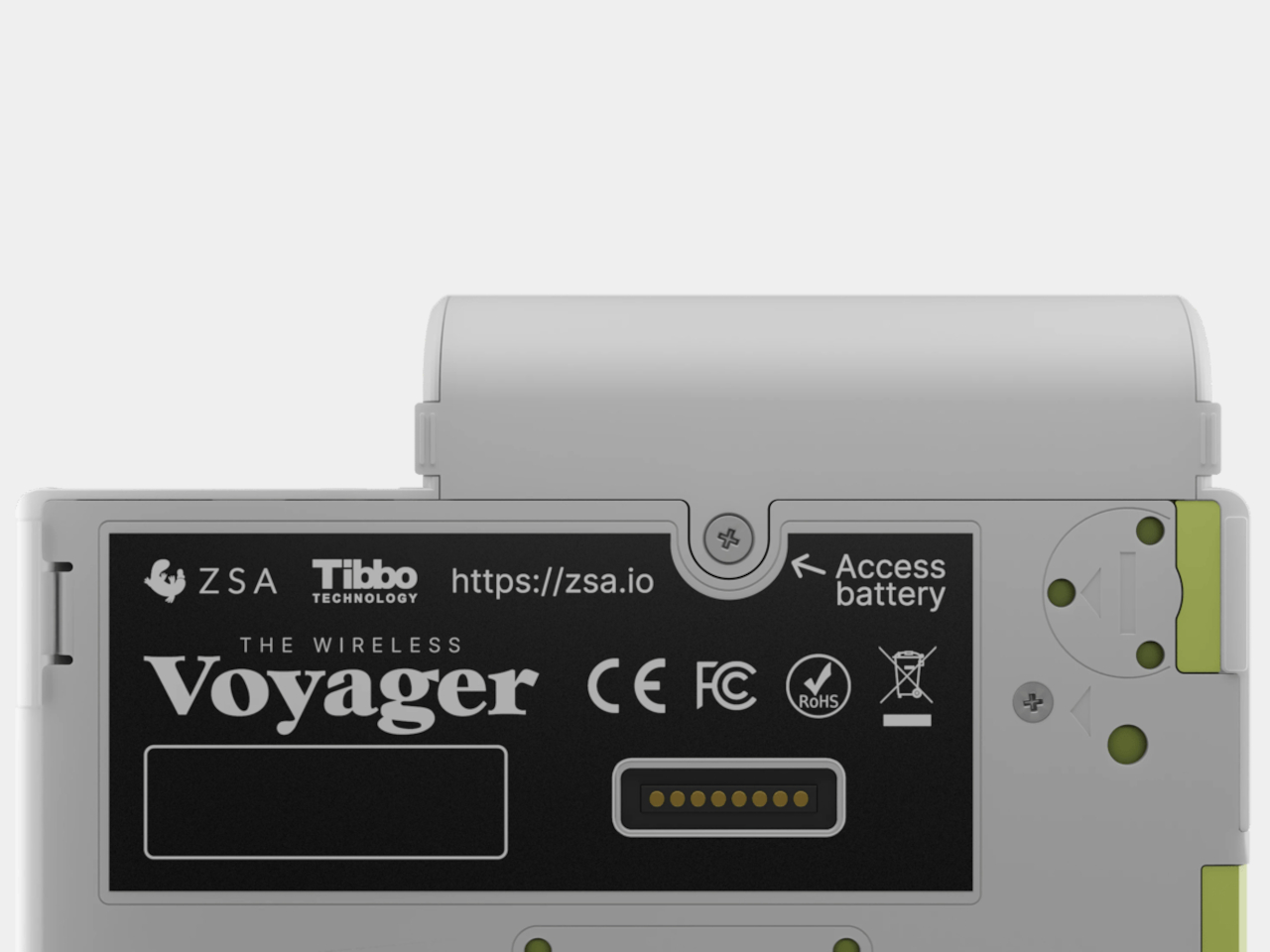
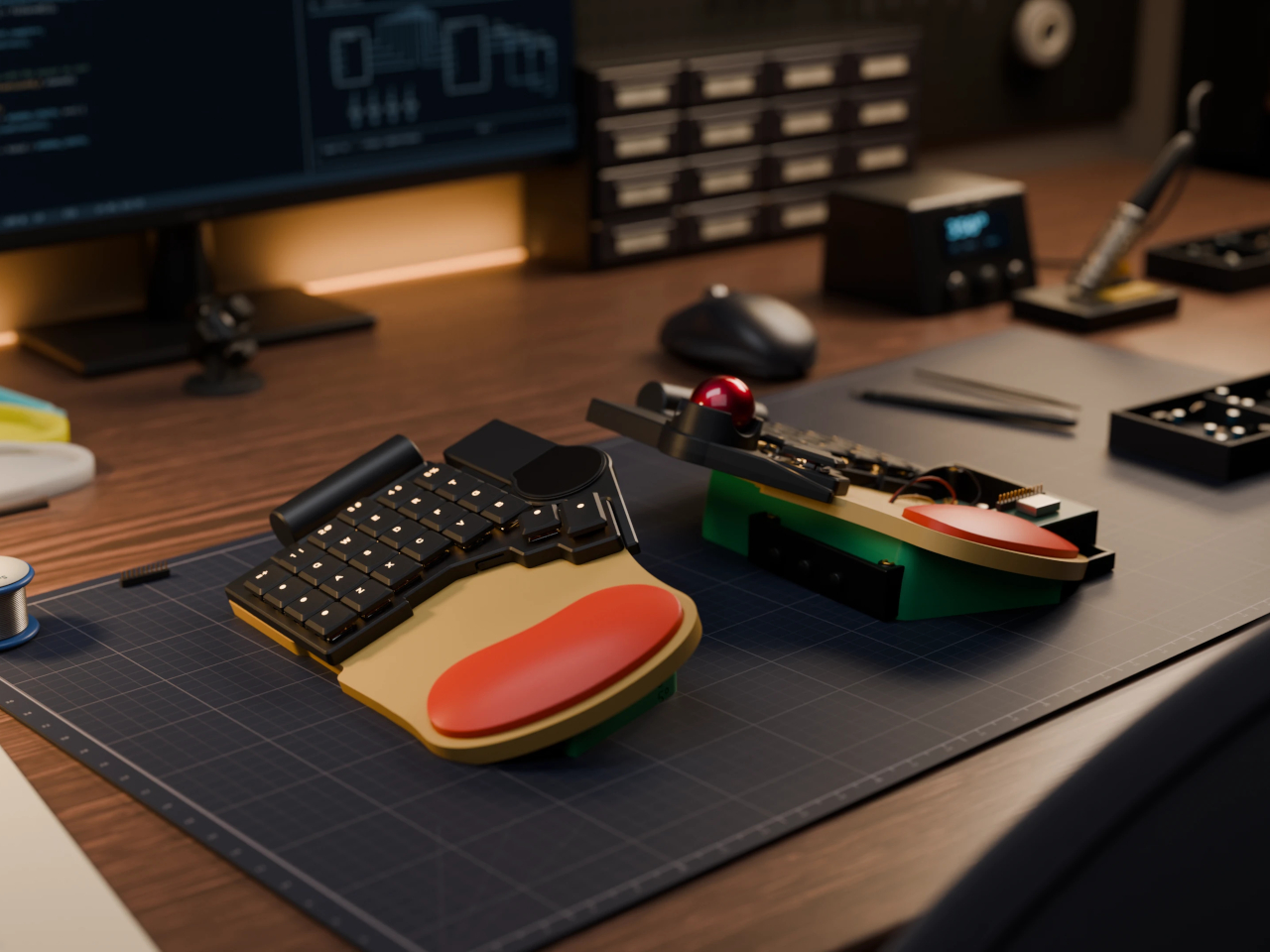
ZSA went with cylindrical 18650 cells rather than a custom pouch shaped to fit a slimmer case. That choice adds about a quarter of an inch to the height at the back, where the housing rises above the keys. Turn either half over, and there’s a Phillips screw marked for battery access. Undo it, and the cell comes out without any soldering.
Designer: ZSA
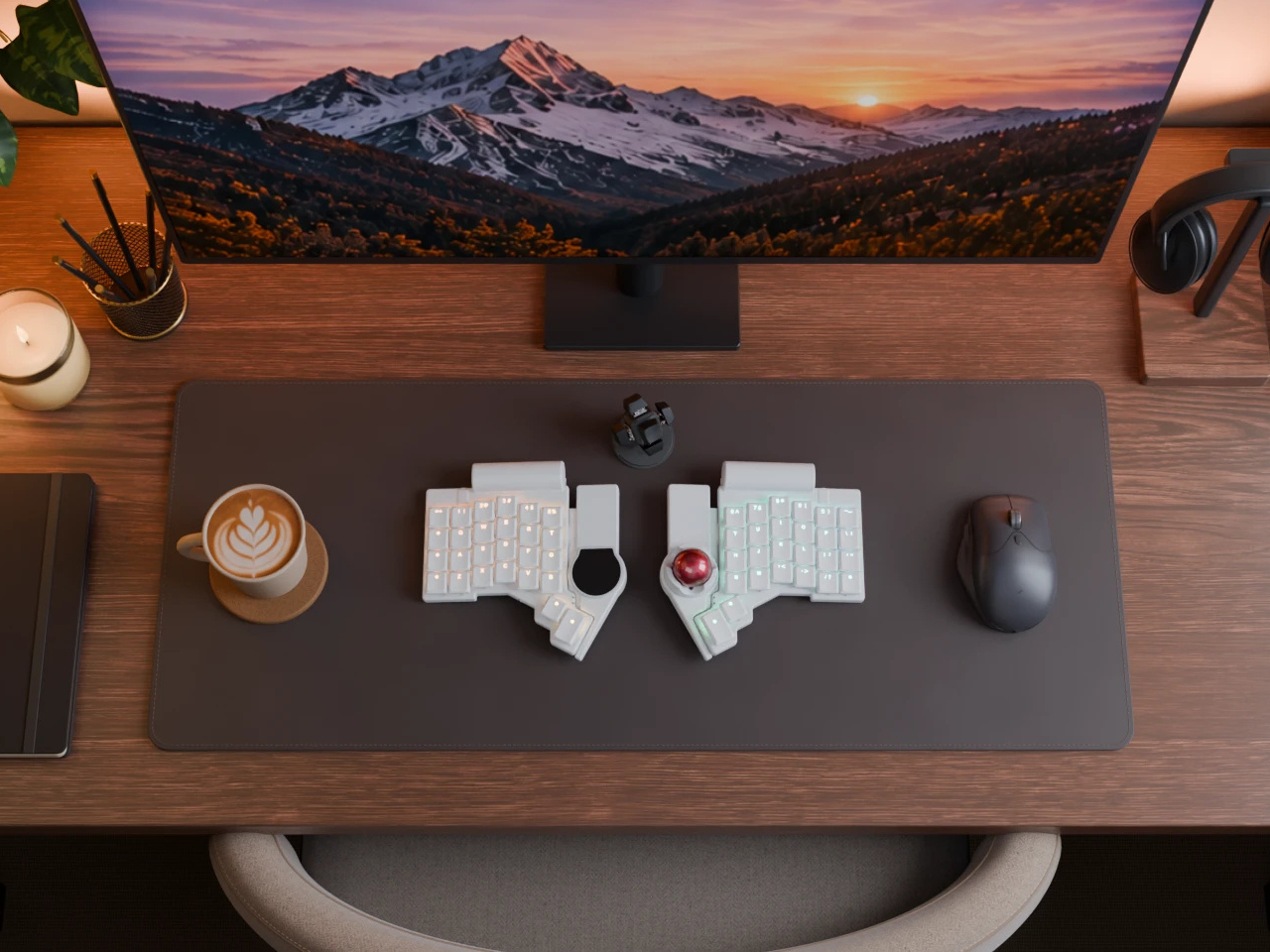
On a crowded desk, you can slide the halves around an open notebook without dragging a cable across the page. The included magnetic feet tilt the inner edges up if you’d rather not type with both halves flat. The keyboard remembers up to five Bluetooth devices, so you can switch from your laptop to a tablet without pairing it all over again.
There are still only 52 keys, with two for each thumb and letter columns that follow the different lengths of your fingers. That takes some getting used to if you’re coming from a laptop. The open-source QMK firmware lets you set up layers in ZSA’s browser-based Oryx editor, so a thumb key can bring the arrow keys under your fingertips. You can swap the low-profile switches without soldering.
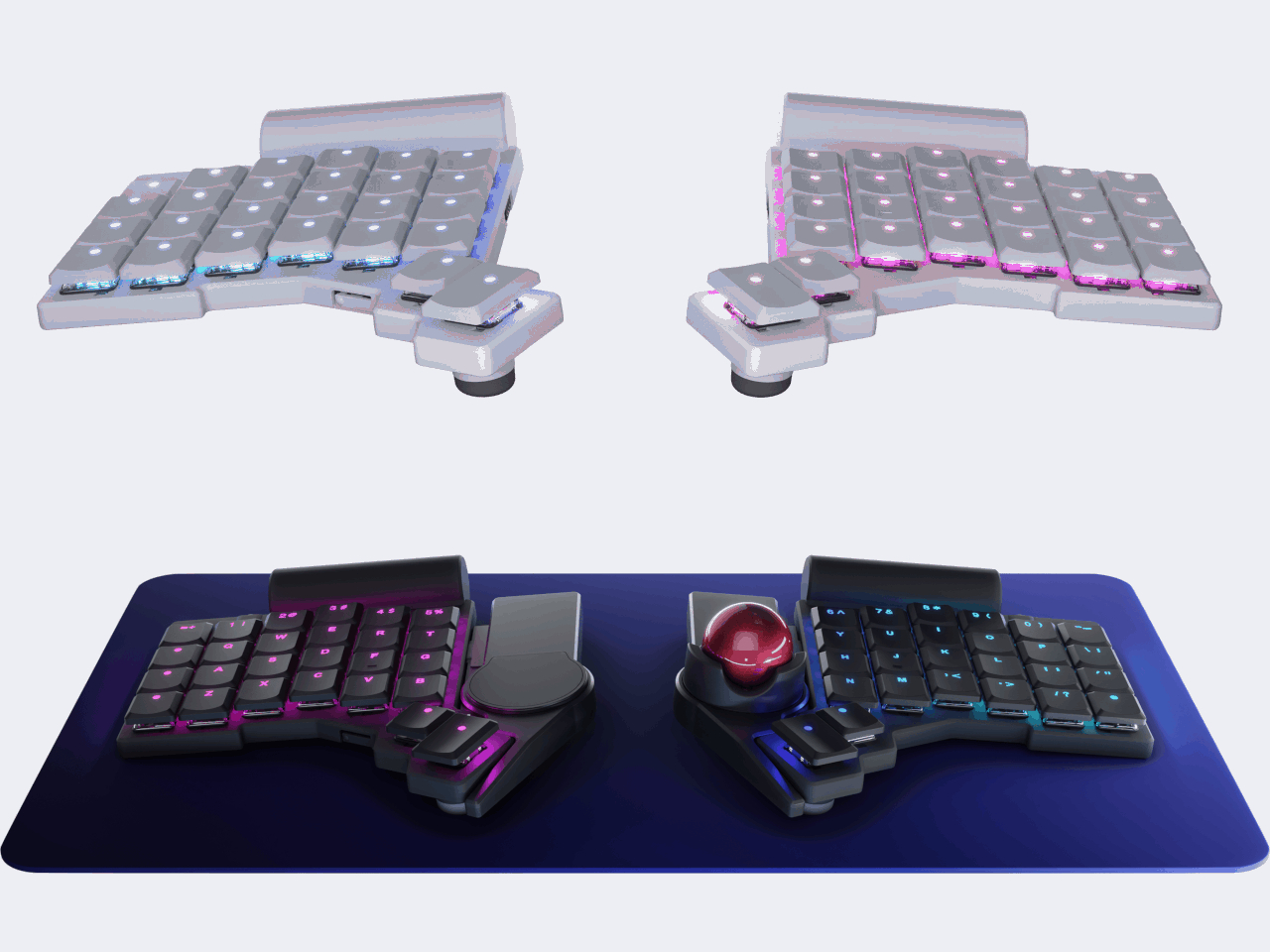
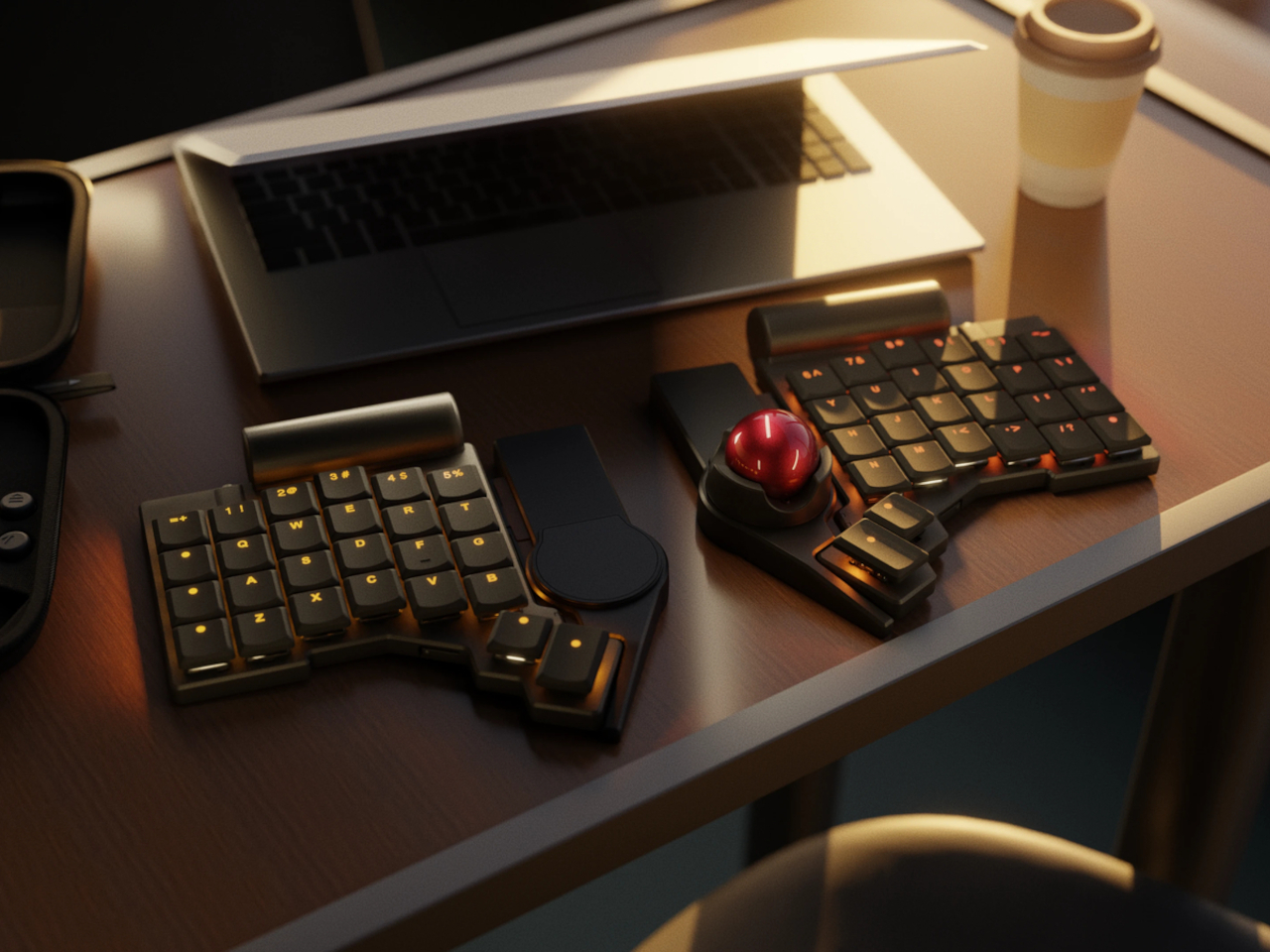
The space beside those thumb keys can also take a Navigator trackball or multitouch trackpad. Both are optional, and the wireless versions snap onto the inner edge with magnets and make contact through pins. That puts the pointer controls next to your hand when there’s no room for a mouse. The older wired modules still work, but they bring their own cables along.
Those extras change how often the cables come back out. ZSA estimates 30 typical workdays on a full charge with the lights off and no attachments, or seven with full RGB lighting and two Navigators fitted. Both halves charge while you type in wired mode. USB-C goes into the left half, and a separate TRRS cable carries power to the right.
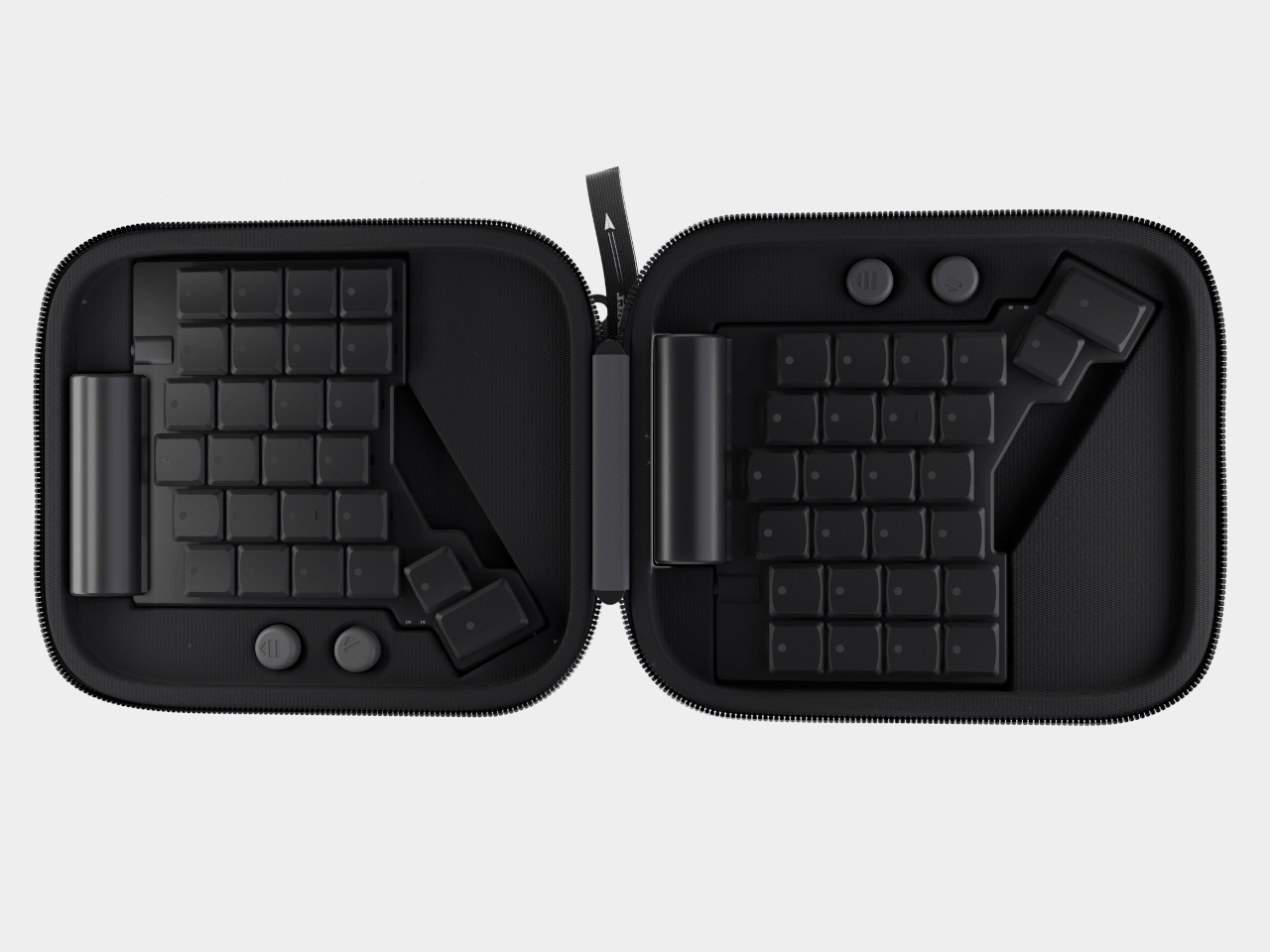
The ZSA Wireless Voyager is now available at $429, with a molded hard case that holds each half in place magnetically. Little guards slide under the inner thumb keys so the board doesn’t wake up in your bag. The wired Voyager Classic is still $365, which makes it worth asking how often you’d actually rearrange the keyboard or pack it up.
The option I’d be glad to have comes later, after the layout is second nature and the batteries don’t get you through the day anymore. The Voyager can still run over its cables with both cells removed. You can decide to give up wireless use or replace the batteries without having to find a new home for your arrow keys.
SHARE
JC Torres
If you liked the article, do not forget to share it with your friends. Follow us on Google News too, click on the star and choose us from your favorites.
If you want to read more like this article, you can visit our Technology category.